How to run network licenses for Trados Studio 2021 and 2022 in paralel?

Hello RWS Support

We have bought some upgrades from Studio 2021 to 2022.The rest of our network licenses will remain version 2021 for some time.

In order to be able to run x network licenses with Studio 2022 and y network licenses with Studio 2021: How do we have to proceed?

I think that we will need two separate licenses in this case, is this correct?

Thank you in advance for your help

Victor Linnemann (on behalf of Olivia Sas)

emoji
Parents Reply
  • Hi Sorin
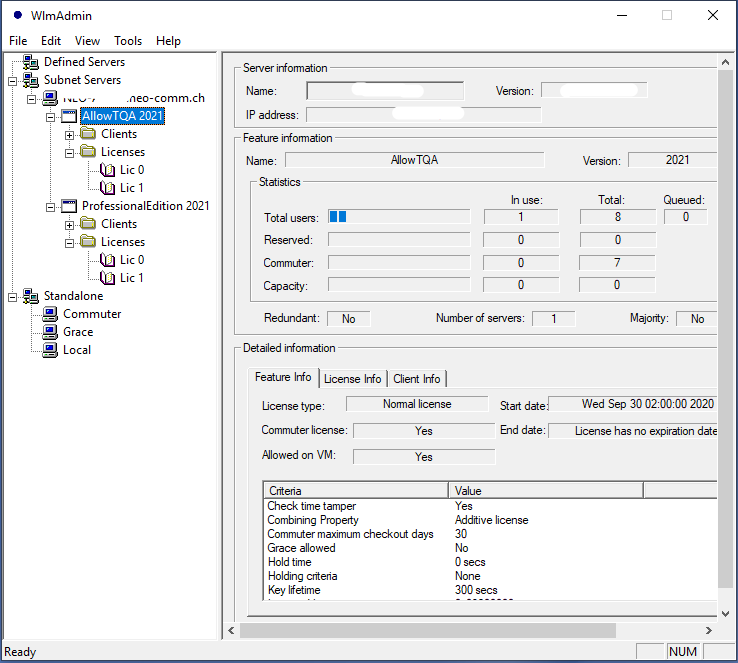
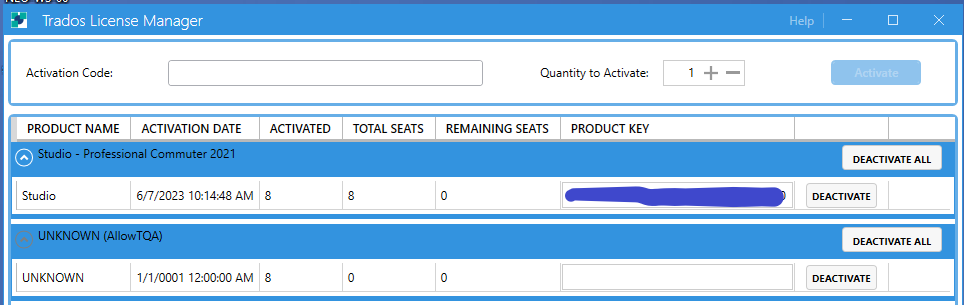
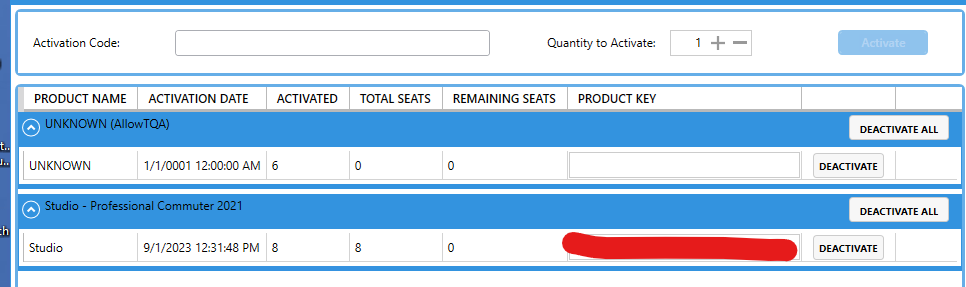
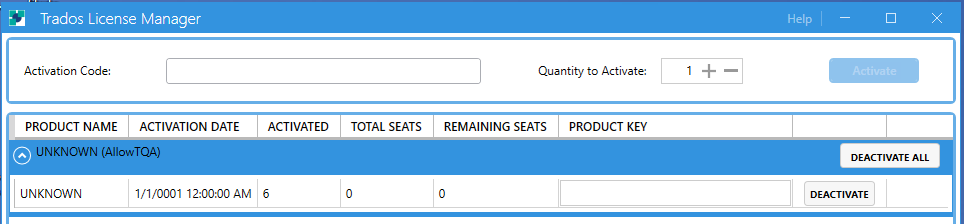
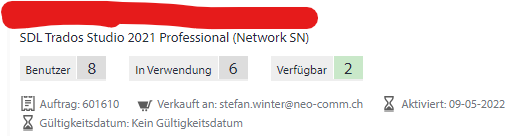
    Thank you for the detailed description. I have checked the licene manager and saw, that there is a "AllowTQA 2021" license as well as a "ProfessionalEdition 2021" license, see screenshots below. This is due to the fact that we had Studio 2019 and Stuido 2021 running in parallel before upgrading all licenses to 2021 some month ago.
    Question: Will the process described in your answer run smoothly and without issues under that condition? Are there additional or preparational steps that have to be performed before the upgrade?
    Victor (on behalf of Olivia Sas)   

    Screenshot of WlmAdmin showing 'AllowTQA 2021' and 'ProfessionalEdition 2021' licenses with details such as total users, in use, and capacity.

    Screenshot of Trados License Manager displaying activated licenses for 'Studio - Professional Commuter 2021' and an unknown product labeled 'AllowTQA'.

    emoji


    Generated Image Alt-Text
    [edited by: Trados AI at 2:16 PM (GMT 0) on 4 Mar 2024]
Children