


Cannot connect to login page from within Studio (Trados Studio 2022 SR1 - 17.1.6.16252)

 Studio does not connect to the login page.

Since my Kantan plug-in also doesn't work and always shows the wrong version number, I thought that a reinstallation may help.

The, deactivation also didn't work (it said there were two instance of the program running but the task manageer didn't show them) So, I had to follow the offline deactivation process. It worked. But after installing Multiteterm and Studio again, the problem is still the same. Cannot connect to Kantan and cannot connect to the login page - which makes me think that this may be related.

The error message shown is:
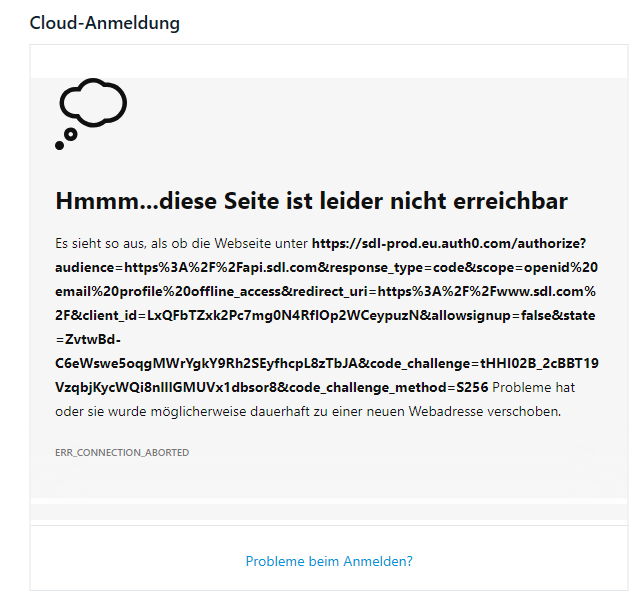
Error message in Trados Studio stating 'Hmm...this page is unfortunately not reachable' with a cloud icon and the error code ERR_CONNECTION_ABORTED.

Any ideas?

Thank you in advance for any suggestions.

Best wishes,

Regina


Generated Image Alt-Text
[edited by: Trados AI at 2:28 PM (GMT 0) on 4 Mar 2024]

emoji
Parents Reply
  • Hi ... 

    my problem was fixed by support in September by going back to an older version, I was told that one other person had the same problem and was advised not to installed updates during the next 3-4 weeks. I did and it worked well, then there was new version some weeks ago, also a new Kantan plugin. Everything worked perfectly again - until just now. I installed the version that was offered within Studio half an hour ago - and .... same problem again! No connection to the cloud (although I can work in the cloud if I login in the browser. But no connection from/to Studio.

    Can someone please let me go back to the old version I had yesterday again? 

    New versions offered within the program should actually be safe to install.

    Best wishes,

    Regina

    emoji
Children
