Great new update blew my deadline

After big crash bum bag from new update for Trado Studio 2022 I managed to do the downgrade (trados studio 17560 to previous 16252) without too much trouble and restored the backed-up settings files; seemingly everything works, if it weren't for the fact that my translation engines suddenly went dumb and instead of English to Polish, they translate from English to English....

And it was thanks to this great new update that crashed my entire program and blew the deadline for returning the order....

Any thoughts?

Parents
  •  

    As you do not tell us any details about the error happened, no help is really possible.

    Usually, when problems appear, a reset of Studio is the first step. Deleting all plugins would be the next step. Repair & reset: https://gateway.sdl.com/apex/communityknowledge?articleName=000001414

    Deleting Plugins: same place in AppData, but the folder you should go in is Trados17 and there delete "Plugins" completely.

    BTW, I updated my Trados Studio in the middle of a huge project with no hassle.

    _________________________________________________________

    When asking for help here, please be as accurate as possible. Please always remember to give the exact version of product used and all possible error messages received. The better you describe your problem, the better help you will get.

    Want to learn more about Trados Studio? Visit the Community Hub. Have a good idea to make Trados Studio better? Publish it here.

  •   

    indeed, I did not provide enough information, but I was already angry at the havoc (including in my work schedule) that the new update has wreaked, and tired of dawdling until 5 a.m. to restore the "correctness" of the program.

    First of all, some hardware and software information:
    - windows 10 system, fully updated on a regular basis,
    - Trados Studio 2022 SR1 fully (until today) updated on a regular basis.
    - Intel iCore3 processor, 12 GB RAM

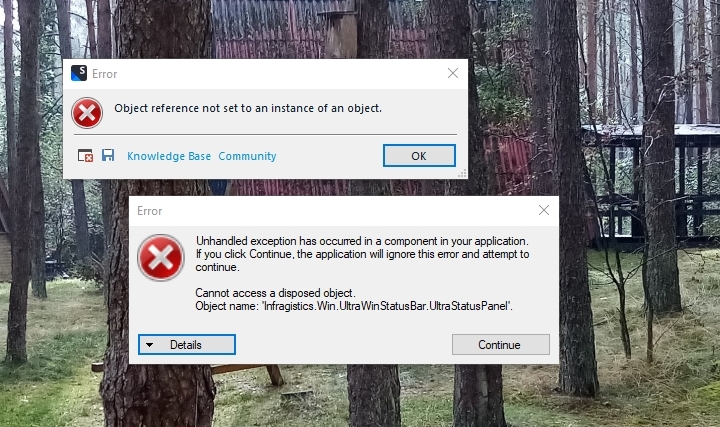
    The background is completed by the numerous errors of the program I face on a daily basis, which cause a crash - sometimes several times a day, sometimes a dozen, quite rarely a day passes without any error. Below informatively some snapshots of the most common errors:

    Error message stating 'Object reference not set to an instance of an object' with a background of trees.

    Error message displaying 'Unhandled exception has occurred in a component in your application' with details about a disposed object.

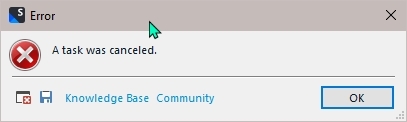
    Error message saying 'A task was canceled' in a small dialog box.

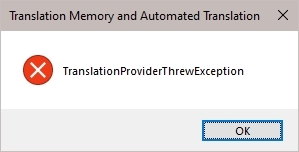
    Error message in a dialog box reading 'TranslationProviderThrewException'.

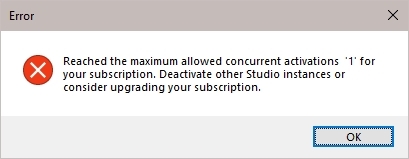
    This last error is particularly interesting, because there is no way I could have activated the license more than once or on another computer, and the error is one of those recurring ones. The first mistake, on the other hand, is the most common and sometimes makes me furious.

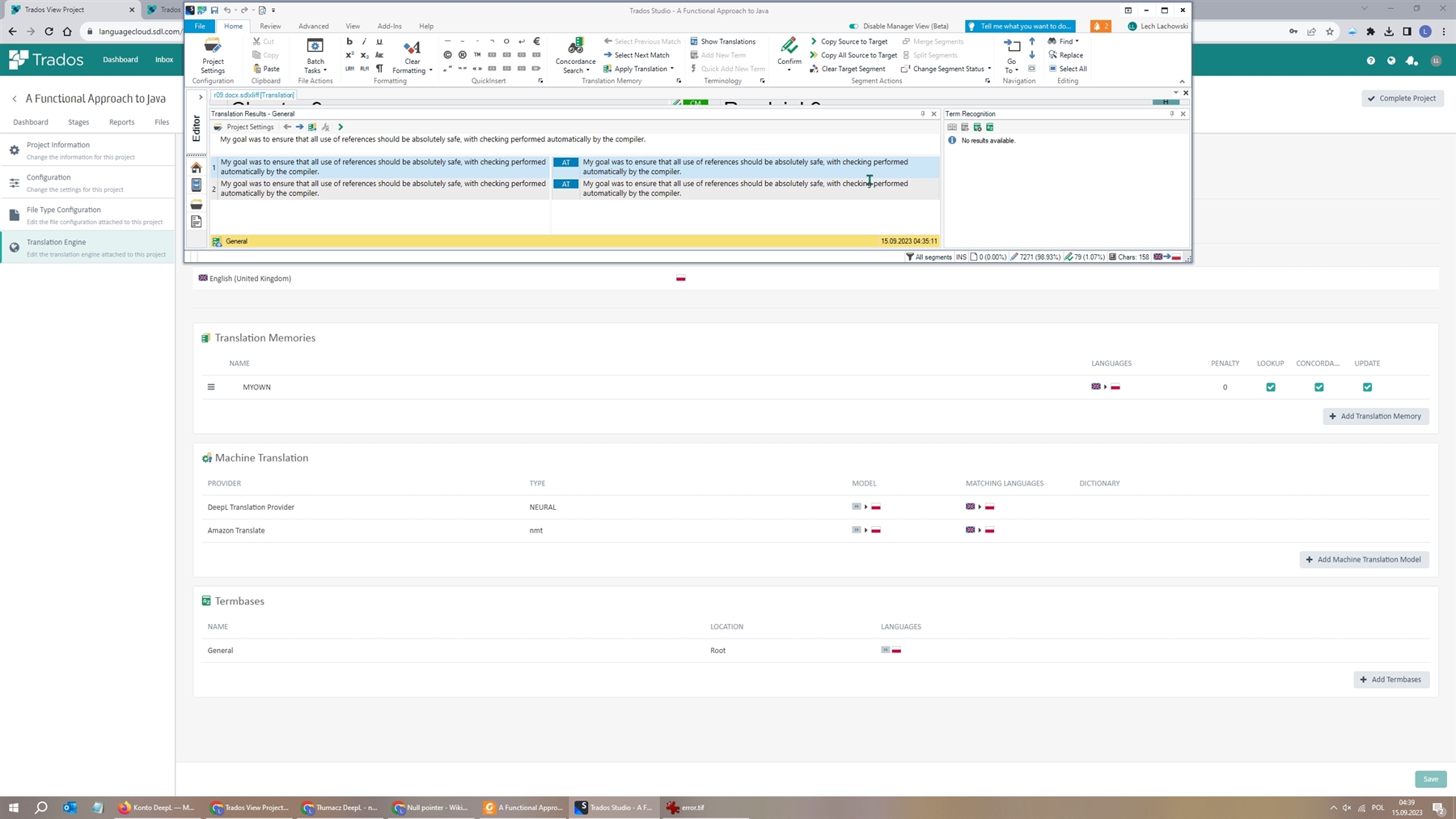
    But to the point. As you can see in the screenshot below, the problem is not with the plugins, but with the template and translation engine I have defined in the cloud, which previously worked fine. Here you can see the problem with the project I already created after the reinstallation.

    Error message indicating 'Reached the maximum allowed concurrent activations '1' for your subscription'.

    In general, I did a complete reinstallation of the program, which still did not remove the errors of connecting to the cloud for projects created earlier, as you can see in the next screenshot.

    Screenshot of Trados Studio project interface showing Translation Memory and Automated Translation settings.

    I tried defining a new template and translation engine in the cloud and creating a project from scratch based on it, but that didn't help either.

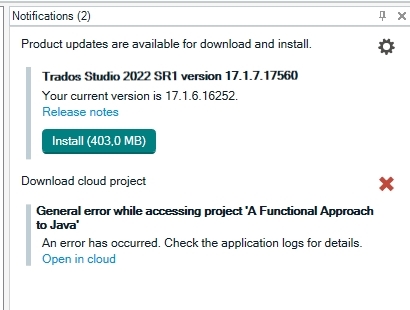
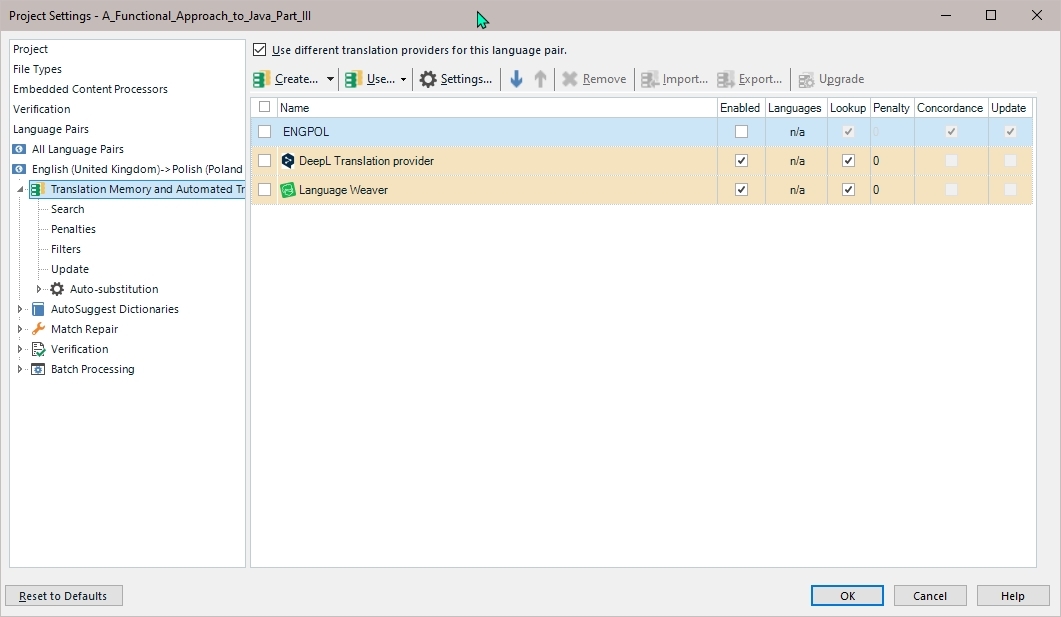
    The only solution that works at the moment, but is makeshift, was just to disable the cloud template locally by adding AT from locally installed plugins, that I used before I went to cloud as you can see below.

    Notification in Trados Studio about available product update and a general error while accessing a project.

    As you can see, locally installed plug-ins are not the problem, and just the only solution available so far, but that does not satisfy me. (In general, it does not satisfy me to deal with this unstable application ;-)

    I hope I shed some light on the problem.

    emoji


    Generated Image Alt-Text
    [edited by: Trados AI at 2:17 PM (GMT 0) on 4 Mar 2024]
Reply
  •   

    indeed, I did not provide enough information, but I was already angry at the havoc (including in my work schedule) that the new update has wreaked, and tired of dawdling until 5 a.m. to restore the "correctness" of the program.

    First of all, some hardware and software information:
    - windows 10 system, fully updated on a regular basis,
    - Trados Studio 2022 SR1 fully (until today) updated on a regular basis.
    - Intel iCore3 processor, 12 GB RAM

    The background is completed by the numerous errors of the program I face on a daily basis, which cause a crash - sometimes several times a day, sometimes a dozen, quite rarely a day passes without any error. Below informatively some snapshots of the most common errors:

    Error message stating 'Object reference not set to an instance of an object' with a background of trees.

    Error message displaying 'Unhandled exception has occurred in a component in your application' with details about a disposed object.

    Error message saying 'A task was canceled' in a small dialog box.

    Error message in a dialog box reading 'TranslationProviderThrewException'.

    This last error is particularly interesting, because there is no way I could have activated the license more than once or on another computer, and the error is one of those recurring ones. The first mistake, on the other hand, is the most common and sometimes makes me furious.

    But to the point. As you can see in the screenshot below, the problem is not with the plugins, but with the template and translation engine I have defined in the cloud, which previously worked fine. Here you can see the problem with the project I already created after the reinstallation.

    Error message indicating 'Reached the maximum allowed concurrent activations '1' for your subscription'.

    In general, I did a complete reinstallation of the program, which still did not remove the errors of connecting to the cloud for projects created earlier, as you can see in the next screenshot.

    Screenshot of Trados Studio project interface showing Translation Memory and Automated Translation settings.

    I tried defining a new template and translation engine in the cloud and creating a project from scratch based on it, but that didn't help either.

    The only solution that works at the moment, but is makeshift, was just to disable the cloud template locally by adding AT from locally installed plugins, that I used before I went to cloud as you can see below.

    Notification in Trados Studio about available product update and a general error while accessing a project.

    As you can see, locally installed plug-ins are not the problem, and just the only solution available so far, but that does not satisfy me. (In general, it does not satisfy me to deal with this unstable application ;-)

    I hope I shed some light on the problem.

    emoji


    Generated Image Alt-Text
    [edited by: Trados AI at 2:17 PM (GMT 0) on 4 Mar 2024]
Children
  •  

    Thank you for the update. Unfortunately, these kind of errors are not something I can help with. Maybe   can get some help for you.

    On a general note: from my knowledge your system is too weak for this very demanding and resources hungry application. The weakest PC (laptop in that case) I ever successfully used Trados Studio was MS Surface i5 with 8 GB of RAM. My current machine is i9 11900K with 64 GB RAM and even here I do reach limits.

    _________________________________________________________

    When asking for help here, please be as accurate as possible. Please always remember to give the exact version of product used and all possible error messages received. The better you describe your problem, the better help you will get.

    Want to learn more about Trados Studio? Visit the Community Hub. Have a good idea to make Trados Studio better? Publish it here.

    emoji
  •   

    On a general note: from my knowledge your system is too weak for this very demanding and resources hungry application. The weakest PC (laptop in that case) I ever successfully used Trados Studio was MS Surface i5 with 8 GB of RAM. My current machine is i9 11900K with 64 GB RAM and even here I do reach limits.

    I completely agree with you, and I myself have noticed how computationally intensive this program is, unfortunately I can't replace my laptop with a better one for the time being, so I have to contend with the slow performance of Trados Studio.

    Nevertheless, the latest update "crashed the system," as they say, because trying to repair the installation had no effect, and even after renaming the files, BaseSettintgs, UserSetting and plugincache, I could only run the program once, which did not download my projects from the cloud anyway, and after restarting the program the error "Objection reference...". returned.

    In general, in the program itself, error handling is abysmal, because, any error immediately causes the program to crash. In my opinion, perhaps unfairly, but from the point of view of the user, who pays quite a lot of money for the program, as for Polish conditions and the earnings of the translator, such error handling is at the level of "programming school."

    I'm probably making some excuses, but in translating more than 50 books in the field of computer science and programming, I've read quite a bit about the best practices of bug handling and, above all, about testing updates introduced into the production environment, and here apparently both are missing.

    emoji