Translate



Dear Colleagues,
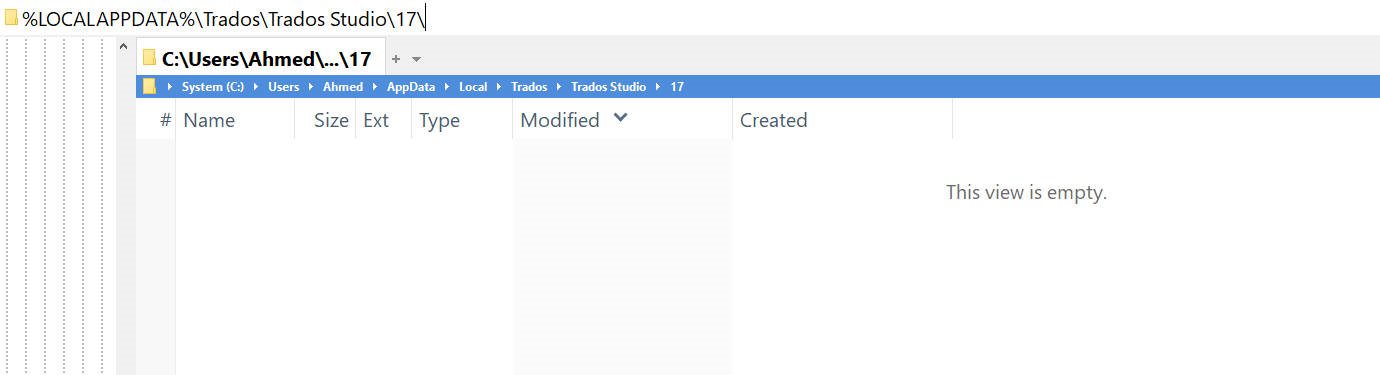
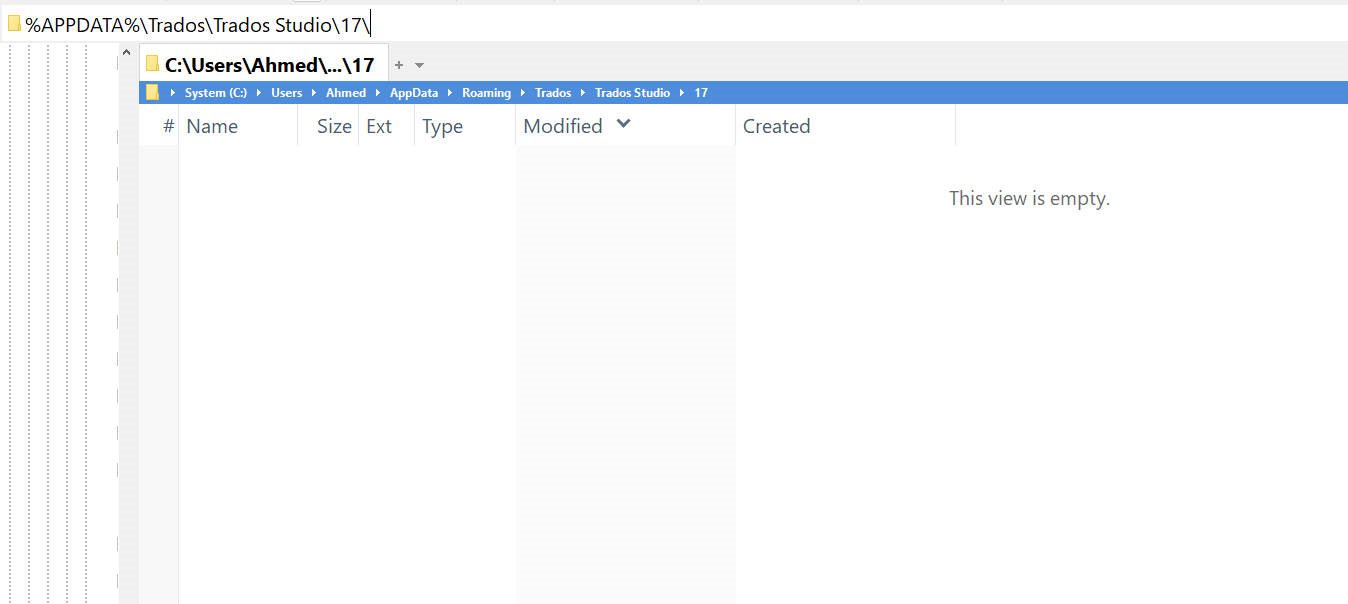
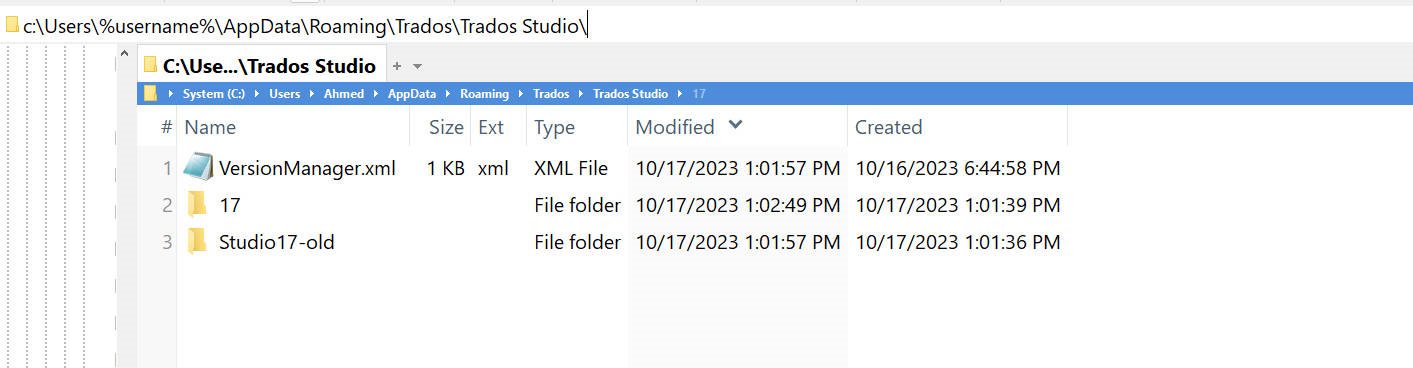
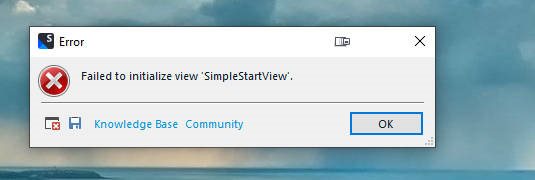
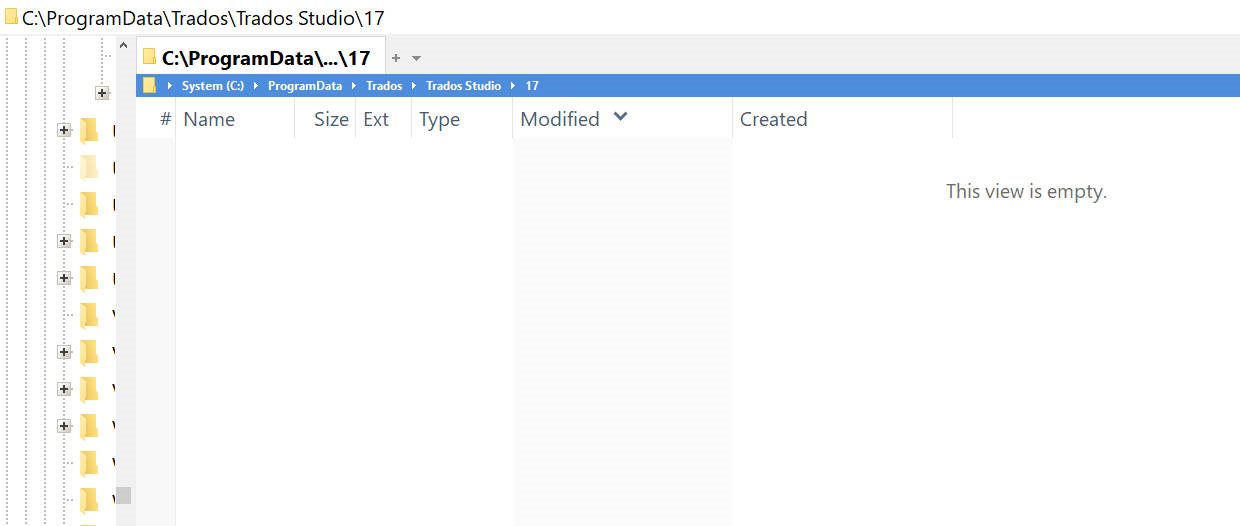
I am having a problem. Yesterday, I installed the recent version of Trados Studio only to get the message above when I wanted to launch Studio, and there is no way I can open Studio. I did everything that I know of, from resetting Studio to removing all plugins, etc, but all failed. Can you please help me?
Sameh Ragab
<SDLErrorDetails time="10/17/2023 11:55:41 AM">
<ErrorMessage>Failed to initialize view 'SimpleStartView'.</ErrorMessage>
<Exception>
<Type>Sdl.Desktop.Platform.StudioException, Sdl.Desktop.Platform, Version=17.0.0.0, Culture=neutral, PublicKeyToken=c28cdb26c445c888</Type>
<HelpLink />
<Source>Sdl.Desktop.Platform</Source>
<HResult>-2146233088</HResult>
<StackTrace><
at Sdl.Core.PluginFramework.Integration.ExtensionsRepository.AddExtension[TResult](IExtension extension, ExtensionArguments arguments, Func`4 instanceCreator)
at Sdl.Core.PluginFramework.Integration.ExtensionBuilderFactory.Build[TResult](IExtension extension, ExtensionArguments arguments, Boolean useCache)
at Sdl.Core.PluginFramework.Integration.ExtensionBuilderFactory.<>c__DisplayClass4_0`2.<Build>b__0(IExtension extension)
at System.Linq.Enumerable.WhereSelectEnumerableIterator`2.MoveNext()
at System.Collections.Generic.List`1..ctor(IEnumerable`1 collection)
at System.Linq.Enumerable.ToList[TSource](IEnumerable`1 source)
at Sdl.Core.PluginFramework.Integration.ExtensionBuilderFactory.Build[TAttribute,TResult](ExtensionArguments arguments, Boolean useCache)
at Sdl.Core.PluginFramework.Integration.ExtensionsFactory.Create[TAttribute,TResult](ExtensionArguments arguments, Boolean useCache)
at Sdl.Desktop.Platform.Implementation.ViewRegistryOperator.InitializeIntegrationControllers()
at Sdl.Desktop.Platform.Implementation.StudioWindow.Init(IEventAggregator eventAggregator)
at Sdl.Desktop.Platform.Implementation.Studio.CreateWindowInternal(Boolean setActive, IEventAggregator eventAggregator)
at Sdl.Desktop.Platform.Implementation.Studio.Run(ISplashScreen splashScreen, IPluginLoaderService pluginLoaderService, ICommandLineParsingService commandLineParsingService, IUserSettingsService userSettingsService, IEnumerable`1 startUpActions, ILicensingService licensingService)
at Sdl.TranslationStudio.Application.Launcher.RunApplication()]]></StackTrace>
<InnerException>
<Type>System.ArgumentNullException, mscorlib, Version=4.0.0.0, Culture=neutral, PublicKeyToken=b77a5c561934e089</Type>
<ParamName>logger</ParamName>
<HelpLink />
<Source>Microsoft.Extensions.Logging.Abstractions</Source>
<HResult>-2147467261</HResult>
<StackTrace><![CDATA[ at Microsoft.Extensions.Logging.LoggerExtensions.Log(ILogger logger, LogLevel logLevel, EventId eventId, Exception exception, String message, Object[] args)
at Sdl.TranslationStudio.UI.Start.Help.StartExplorerBarControl.PopulateOpenExchangeApps()
at Sdl.TranslationStudio.UI.Start.Help.StartExplorerBarControl..ctor(IActionService actionService, ILogger logger)
at Sdl.TranslationStudio.UI.Start.Splash.SimpleStartView.OnInit(IViewSite site, ISettingsGroup settings)
at Sdl.Desktop.Platform.AbstractView.Init(IViewSite site, ISettingsGroup settings)
at Sdl.Desktop.Platform.Implementation.StudioWindow.EnsureViewSite(IViewReference viewReference)]]></StackTrace>
</InnerException>
</Exception>
<Environment>
<ProductName>Trados Studio</ProductName>
<ProductVersion>Studio17</ProductVersion>
<EntryAssemblyFileVersion>17.1.8.17828</EntryAssemblyFileVersion>
<OperatingSystem>Microsoft Windows 10 Pro</OperatingSystem>
<ServicePack>NULL</ServicePack>
<OperatingSystemLanguage>1033</OperatingSystemLanguage>
<CodePage>1256</CodePage>
<LoggedOnUser>ADMINSAM\Ahmed</LoggedOnUser>
<DotNetFrameWork>4.0.30319.42000</DotNetFrameWork>
<ComputerName>ADMINSAM</ComputerName>
<ConnectedToNetwork>True</ConnectedToNetwork>
<PhysicalMemory>50276084 MB</PhysicalMemory>
</Environment>
</SDLErrorDetails>
<SDLErrorDetails time="10/17/2023 11:51:14 AM">
<ErrorMessage>Failed to initialize view 'SimpleStartView'.</ErrorMessage>
<Exception>
<Type>Sdl.Desktop.Platform.StudioException, Sdl.Desktop.Platform, Version=17.0.0.0, Culture=neutral, PublicKeyToken=c28cdb26c445c888</Type>
<HelpLink />
<Source>Sdl.Desktop.Platform</Source>
<HResult>-2146233088</HResult>
<StackTrace><
at Sdl.Core.PluginFramework.Integration.ExtensionsRepository.AddExtension[TResult](IExtension extension, ExtensionArguments arguments, Func`4 instanceCreator)
at Sdl.Core.PluginFramework.Integration.ExtensionBuilderFactory.Build[TResult](IExtension extension, ExtensionArguments arguments, Boolean useCache)
at Sdl.Core.PluginFramework.Integration.ExtensionBuilderFactory.<>c__DisplayClass4_0`2.<Build>b__0(IExtension extension)
at System.Linq.Enumerable.WhereSelectEnumerableIterator`2.MoveNext()
at System.Collections.Generic.List`1..ctor(IEnumerable`1 collection)
at System.Linq.Enumerable.ToList[TSource](IEnumerable`1 source)
at Sdl.Core.PluginFramework.Integration.ExtensionBuilderFactory.Build[TAttribute,TResult](ExtensionArguments arguments, Boolean useCache)
at Sdl.Core.PluginFramework.Integration.ExtensionsFactory.Create[TAttribute,TResult](ExtensionArguments arguments, Boolean useCache)
at Sdl.Desktop.Platform.Implementation.ViewRegistryOperator.InitializeIntegrationControllers()
at Sdl.Desktop.Platform.Implementation.StudioWindow.Init(IEventAggregator eventAggregator)
at Sdl.Desktop.Platform.Implementation.Studio.CreateWindowInternal(Boolean setActive, IEventAggregator eventAggregator)
at Sdl.Desktop.Platform.Implementation.Studio.Run(ISplashScreen splashScreen, IPluginLoaderService pluginLoaderService, ICommandLineParsingService commandLineParsingService, IUserSettingsService userSettingsService, IEnumerable`1 startUpActions, ILicensingService licensingService)
at Sdl.TranslationStudio.Application.Launcher.RunApplication()]]></StackTrace>
<InnerException>
<Type>System.ArgumentNullException, mscorlib, Version=4.0.0.0, Culture=neutral, PublicKeyToken=b77a5c561934e089</Type>
<ParamName>logger</ParamName>
<HelpLink />
<Source>Microsoft.Extensions.Logging.Abstractions</Source>
<HResult>-2147467261</HResult>
<StackTrace><![CDATA[ at Microsoft.Extensions.Logging.LoggerExtensions.Log(ILogger logger, LogLevel logLevel, EventId eventId, Exception exception, String message, Object[] args)
at Sdl.TranslationStudio.UI.Start.Help.StartExplorerBarControl.PopulateOpenExchangeApps()
at Sdl.TranslationStudio.UI.Start.Help.StartExplorerBarControl..ctor(IActionService actionService, ILogger logger)
at Sdl.TranslationStudio.UI.Start.Splash.SimpleStartView.OnInit(IViewSite site, ISettingsGroup settings)
at Sdl.Desktop.Platform.AbstractView.Init(IViewSite site, ISettingsGroup settings)
at Sdl.Desktop.Platform.Implementation.StudioWindow.EnsureViewSite(IViewReference viewReference)]]></StackTrace>
</InnerException>
</Exception>
<Environment>
<ProductName>Trados Studio</ProductName>
<ProductVersion>Studio17</ProductVersion>
<EntryAssemblyFileVersion>17.1.8.17828</EntryAssemblyFileVersion>
<OperatingSystem>Microsoft Windows 10 Pro</OperatingSystem>
<ServicePack>NULL</ServicePack>
<OperatingSystemLanguage>1033</OperatingSystemLanguage>
<CodePage>1256</CodePage>
<LoggedOnUser>ADMINSAM\Ahmed</LoggedOnUser>
<DotNetFrameWork>4.0.30319.42000</DotNetFrameWork>
<ComputerName>ADMINSAM</ComputerName>
<ConnectedToNetwork>True</ConnectedToNetwork>
<PhysicalMemory>50276084 MB</PhysicalMemory>
</Environment>
</SDLErrorDetails>