
 Translate



Hi there
I can not reset the license -Trados Studio 2022
-----------
Scenario:
I am using Trados Studio 2021 freelance, then upgraded to 2022, but many errors occurred, tried to un-install Trados, but many files were left behind, so I deleted all files and folders manually,
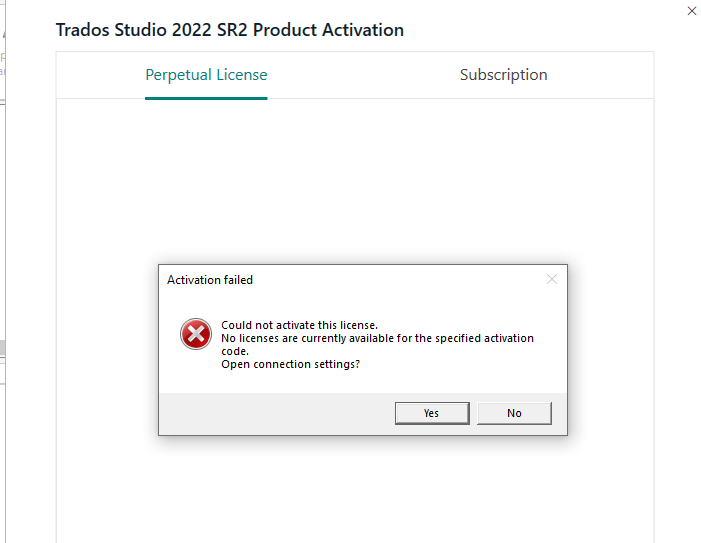
then Installed Trados Studio 2022, and an activation window appeared, tried to activate it again, error msg and failed activation.
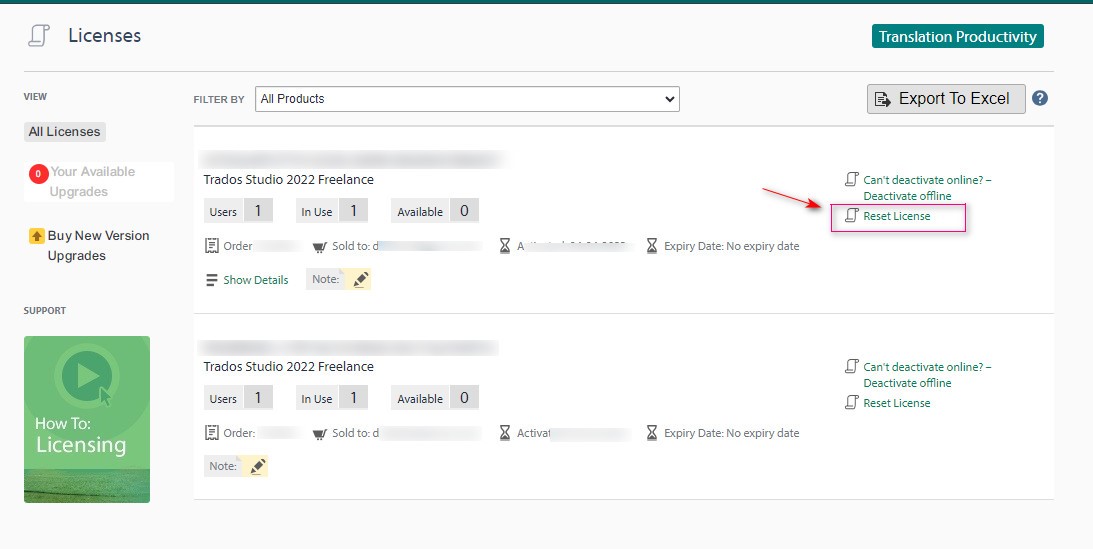
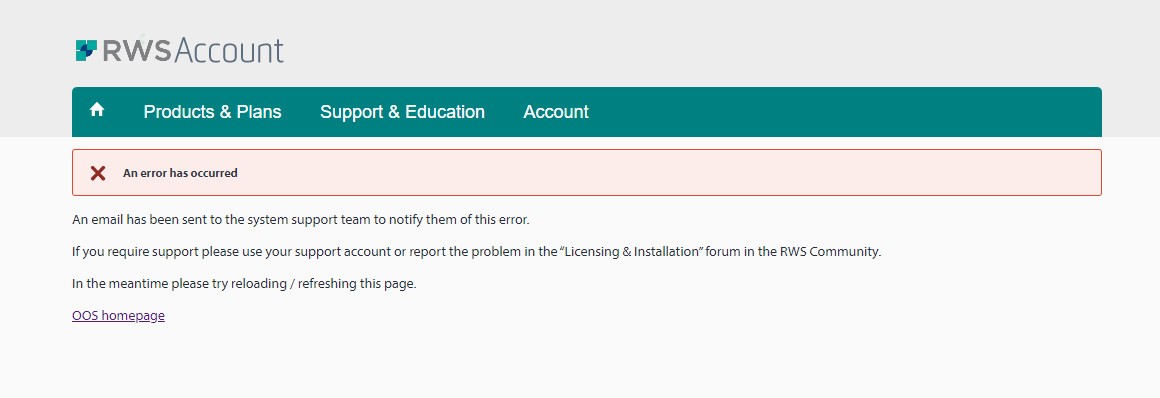
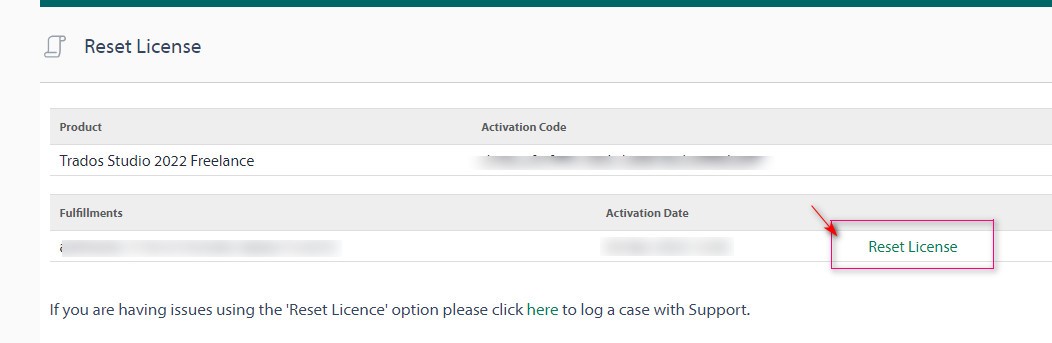
I tried to reset the license online, but also error msg
screenshots
---------------------
Generated Image Alt-Text
[edited by: Trados AI at 2:28 PM (GMT 0) on 4 Mar 2024]


