 Translate



I reactivate the license in my laptop, but it doesn't work. Program opens but doesn't save my changes. What can I do? Please help me!


I reactivate the license in my laptop, but it doesn't work. Program opens but doesn't save my changes. What can I do? Please help me!
Program opens but doesn't save my changes.
What changes? Can you be more specific as I don't understand what the problem is?
Paul Filkin | RWS
Design your own training!
You've done the courses and still need to go a little further, or still not clear?
Tell us what you need in our Community Solutions Hub


Hi Paul
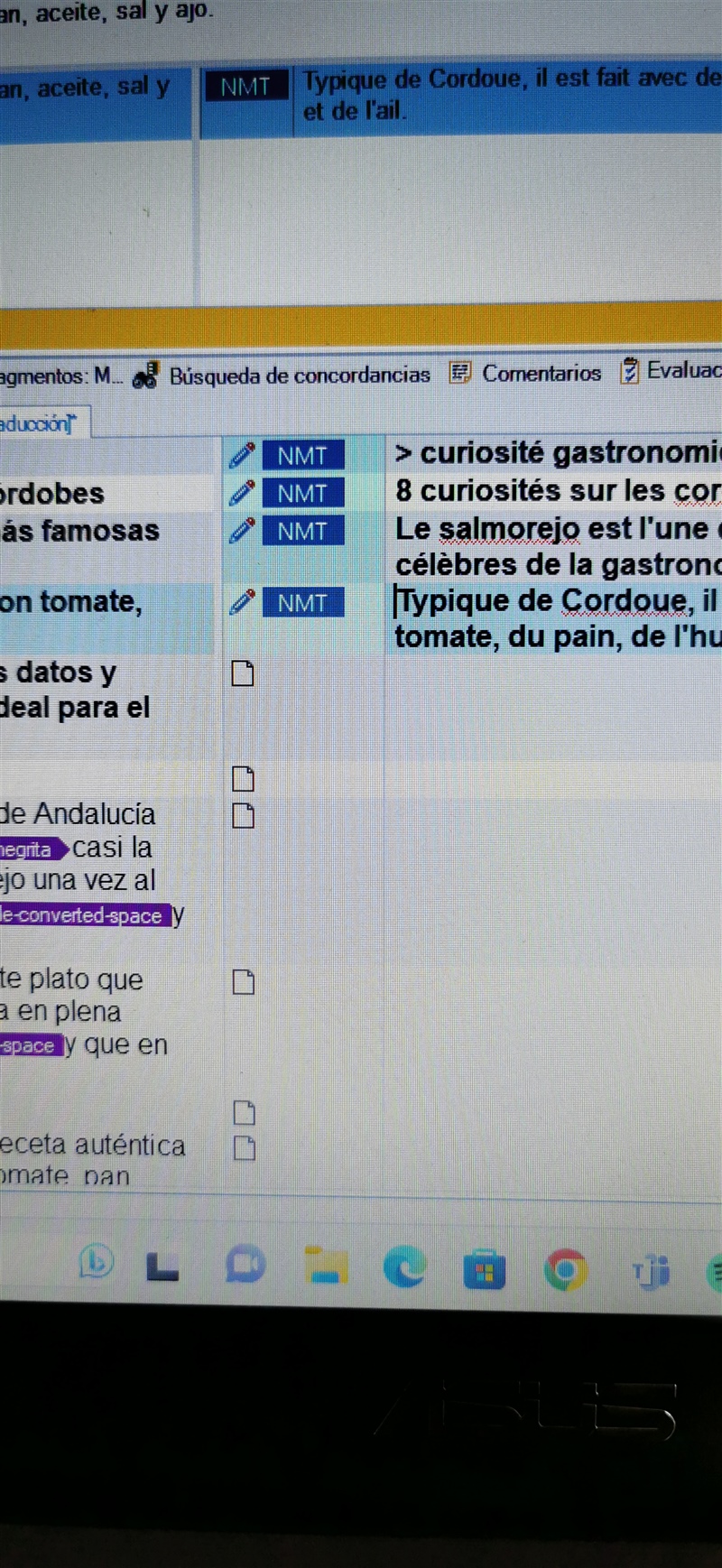

How are you doing this? Are you pressing Ctrl+Enter to confirm the change?
Paul Filkin | RWS
Design your own training!
You've done the courses and still need to go a little further, or still not clear?
Tell us what you need in our Community Solutions Hub
Sure it is, like always. In my other PC it works but in the laptop, no
Have you checked the keyboard shortcut for confirming segments?
Maybe you set up a different profile without realising?
Paul Filkin | RWS
Design your own training!
You've done the courses and still need to go a little further, or still not clear?
Tell us what you need in our Community Solutions Hub
I think I got it! in the laptop, to confirm a segment I have to press Ctrl+Alt+Enter, instead in the PC I just have to press Ctrl+Enter. How can you explain it? Thanks

I think I got it! in the laptop, to confirm a segment I have to press Ctrl+Alt+Enter, instead in the PC I just have to press Ctrl+Enter. How can you explain it? Thanks
in the laptop, to confirm a segment I have to press Ctrl+Alt+Enter, instead in the PC I just have to press Ctrl+Enter. How can you explain it?
Yes.
In your Laptop you chose the "Trados" Profile. In your PC you chosethe "Default" profile. Go to File -> Setup -> User Profiles and change your user profile to the one you want... probably the Default.
These profiles were designed to help support users migrating from the old Trados and SDLX so they had consistent shortcuts similar to the way they used to work. You probably chose Trados because it said Trados and you thought you had Trados ;-) Whilst I have rarely seen anyone do that before I can definitely understand how that could happen!
Paul Filkin | RWS
Design your own training!
You've done the courses and still need to go a little further, or still not clear?
Tell us what you need in our Community Solutions Hub
