


Unable to deactivate or reset my license after I changed my PC name on my desktop.

After I changed the PC name of my desktop, I realized that the activation code was gone.

So I tried to deactivate or reset my license in My Account only to see errors below.
I have two freelance codes but don't exactly know which one is the license I lost. So I tried to deactivate and reset all two licenses.
Please help.
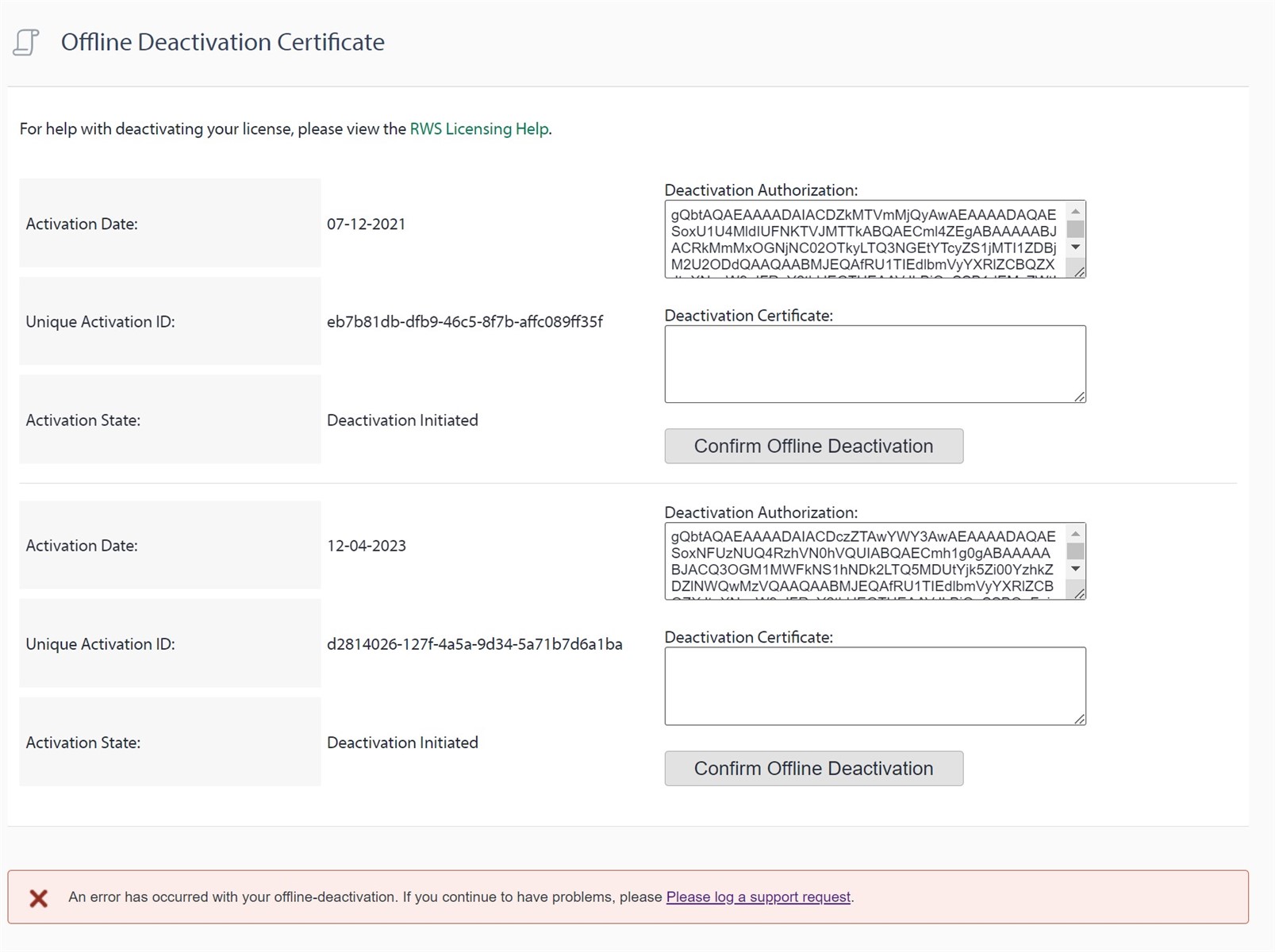
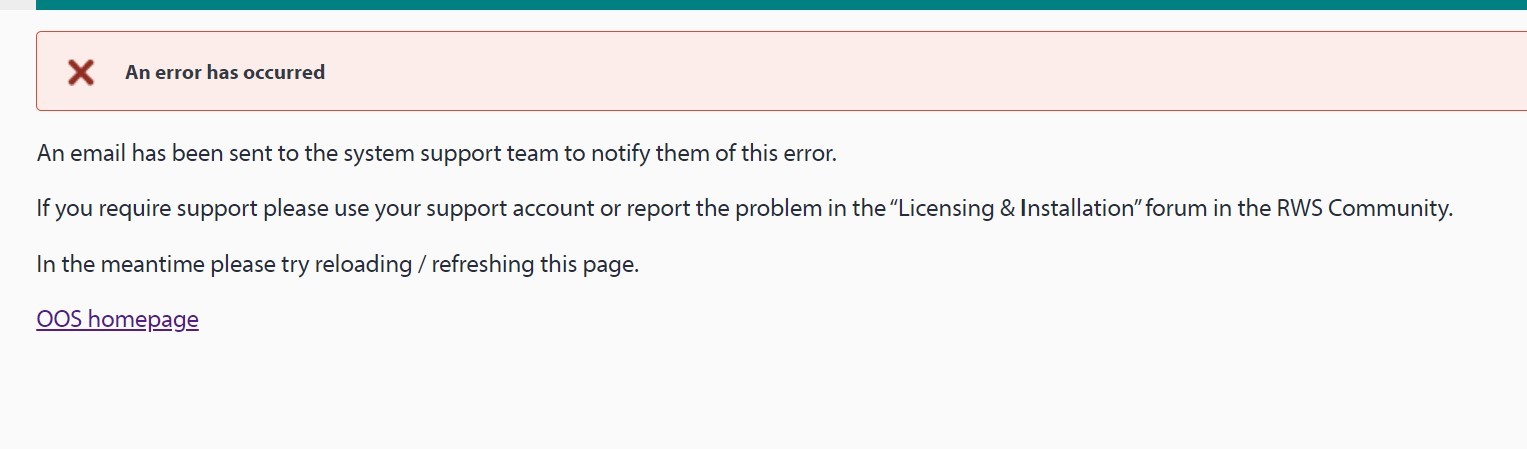
Screenshot of an Offline Deactivation Certificate page with two entries. Each entry shows an Activation Date, Unique Activation ID, and Activation State set to Deactivation Initiated. Deactivation Authorization and Deactivation Certificate fields are present with a Confirm Offline Deactivation button. An error message at the bottom reads 'An error has occurred with your offline-deactivation. If you continue to have problems, please log a support request.'Screenshot of an error message on a pink background stating 'An error has occurred'. It advises that an email has been sent to system support and suggests reloading the page, using support account, or reporting the problem in the 'Licensing & Installation' forum in the RWS Community. A link to the OOS homepage is provided.


Generated Image Alt-Text
[edited by: RWS Community AI at 11:58 PM (GMT 0) on 14 Nov 2024]

emoji
