
 Translate



Hello,
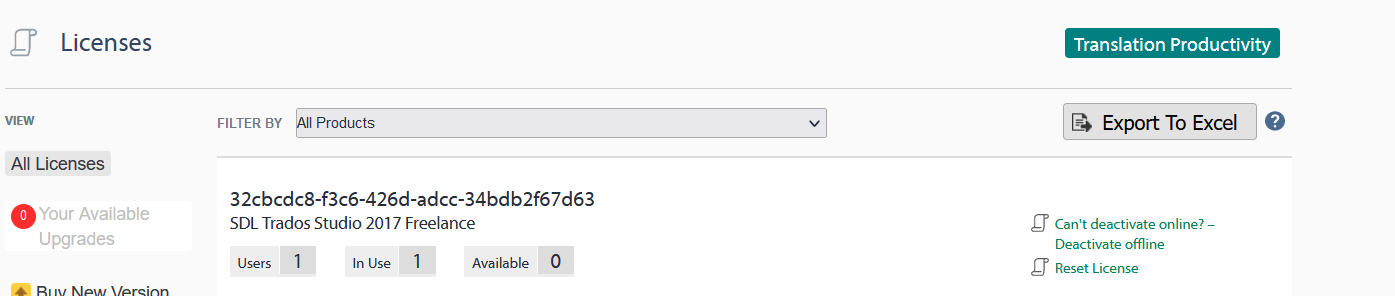
I recently experienced a hardware failure that required me to format my computer, and as a result, I was unable to deactivate my Trados Studio 2017 license before the system went down. I am now in the process of reinstalling the software, but I am unable to activate it due to the previous activation still being linked to my license.
Could you please guide me on how to reset my license activation so that I can proceed with a fresh installation and continue my work without interruption?
I have my license number and all necessary information ready for verification purposes.
Thank you for your assistance.
Generated Image Alt-Text
[edited by: Trados AI at 2:30 PM (GMT 0) on 4 Mar 2024]


