


The Trados cloud platform will be undergoing maintenance on Saturday, 9th May 2026 between 05:00 to 17:00 UTC. During this time, you will not be able to log in to the Trados platform.

Failed to deactivate in Trados 2024 (error ID 125)

Hi, I've tried to deactivate my license in Trados 2024 but failed with the following error:
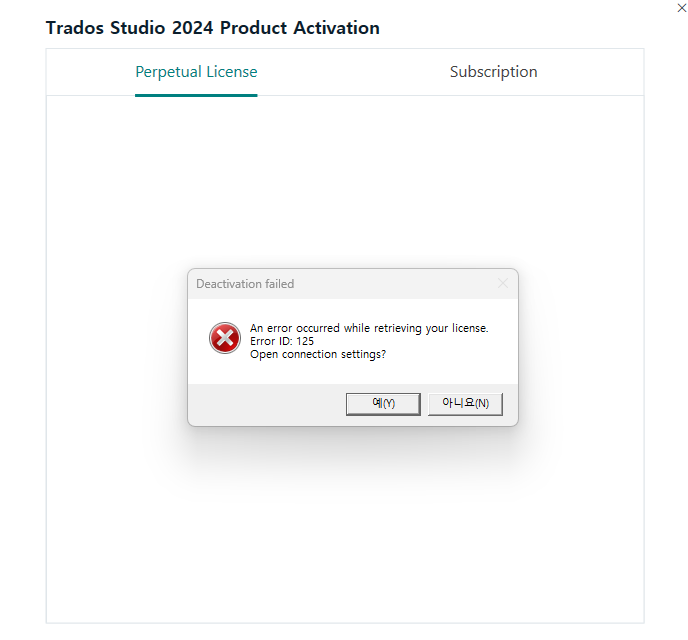
Trados Studio 2024 Product Activation window showing Perpetual License tab. Error popup reads 'Deactivation failed. An error occurred while retrieving your license. Error ID: 125. Open connection settings?' with buttons labeled in Korean for Yes and No.

I should deactivate my license offline every time, which is very frustrating:(

What should I do to directly deactivate the license in Trados 2024? Thanks!


Generated Image Alt-Text
[edited by: RWS Community AI at 8:37 AM (GMT 1) on 29 Apr 2025]

emoji
Parents Reply Children
No Data
