 Translate



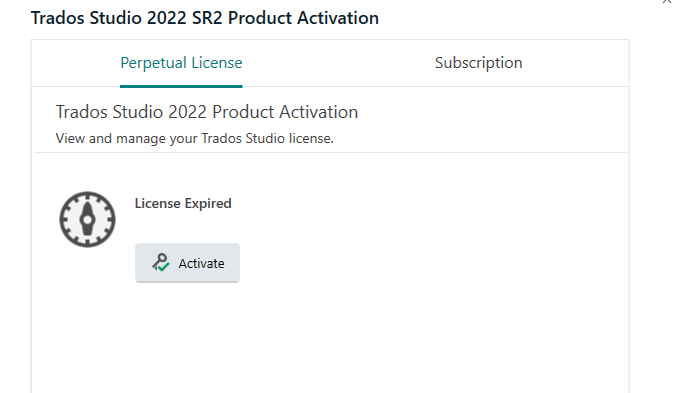
Upon opening it, Studio 2022 SR2 says 'License expired'. I have a perpetual license. I cannot reactivate it or delete and reinstall. Need help.
Generated Image Alt-Text
[edited by: RWS Community AI at 9:35 AM (GMT 0) on 8 Jan 2026]


Upon opening it, Studio 2022 SR2 says 'License expired'. I have a perpetual license. I cannot reactivate it or delete and reinstall. Need help.
Hi Robin Brown
Have you already tried resetting your license from your RWS account? https://oos.sdl.com/asp/products/ssl/account/mylicenses/licenses.aspx
Detailed article at this link: https://gateway.rws.com/csm?id=kb_article_view&sysparm_article=KB0038545
Kind regards,
Elisa Maxim| RWS Group
Design your own training!
You've done the courses and still need to go a little further, or still not clear?
Tell us what you need in our Community Solutions Hub

Yes, tried that. The 'Reset License' link does not work. It did a couple of hours ago but when I clicked on Login, the login window appeared briefly and then disappeared before I could enter my data. I have tried deleting existing Studio files and installations and resinstalling but still get the license expired error message when installation is complete. I have restarted my PC.
Yes, tried that. The 'Reset License' link does not work. It did a couple of hours ago but when I clicked on Login, the login window appeared briefly and then disappeared before I could enter my data. I have tried deleting existing Studio files and installations and resinstalling but still get the license expired error message when installation is complete. I have restarted my PC.
