Translate



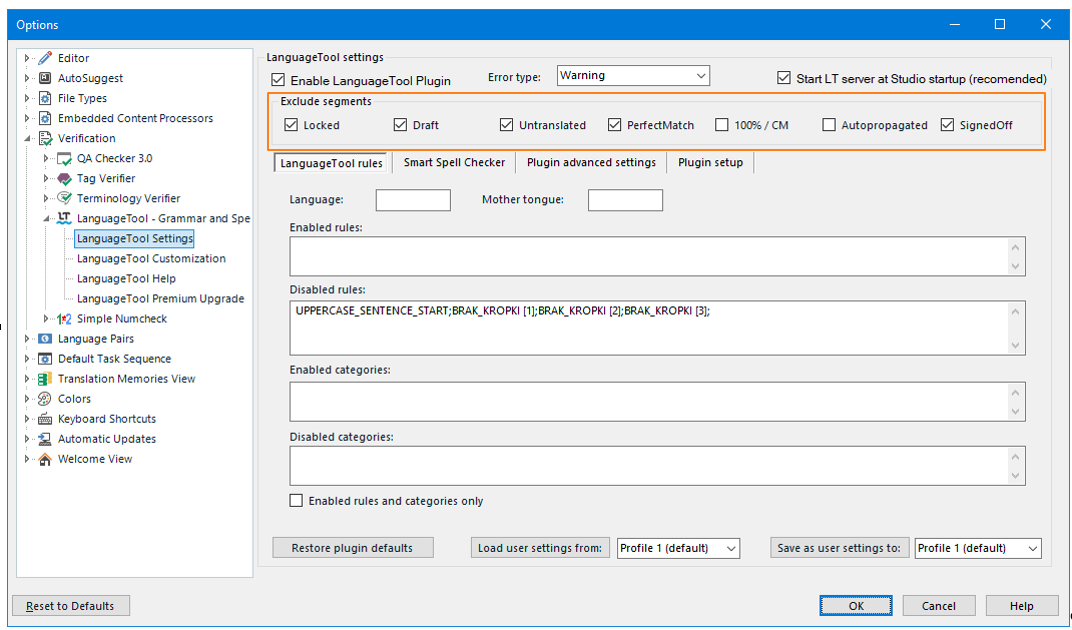
Grammar checking in Trados Studio is essentially unusable for me at the moment, I suspect it has something to do with the latest Studio update, and I would like to know if anybody else is experiencing the same problems. I have my LanguageTool plugin setup for LanguageTool Premium, and I'm using Trados Studio 2024 18.0.2.3255. Anyway, the plugin is extremely slow. When it is enabled, Trados takes up to 10 seconds to move from one segment to the next after I hit Ctrl + Enter. Also, the plugin seems to check not the current segment being confirmed, but rather random segments before it. For example, if I purposefully write an incorrect sentence on segment 193 and confirm it, the plugin generates warning messages for segments 188, 190, but not for 193. It also seems to be stacking repeated warning messages. For example, if I type another wrong sentence in segment 193 and confirm it, the plugin will generate again the warning messages for segments 188 and 190, but not replace the old ones in the Messages window, so now there are 4 warnings listed, being 2 identical warnings for segment 188 e 2 identical warnings for segment 190. I don't know if this forum is the correct place to post about this, since this is a third-party plugin, but I figure it might be since the LanguageTool - Grammar and Spell Checker plugin is the officially recommended choice for grammar checking in Studio.