
 Translate



Hi,
I have the exact same issue as in this post: community.rws.com/.../192608
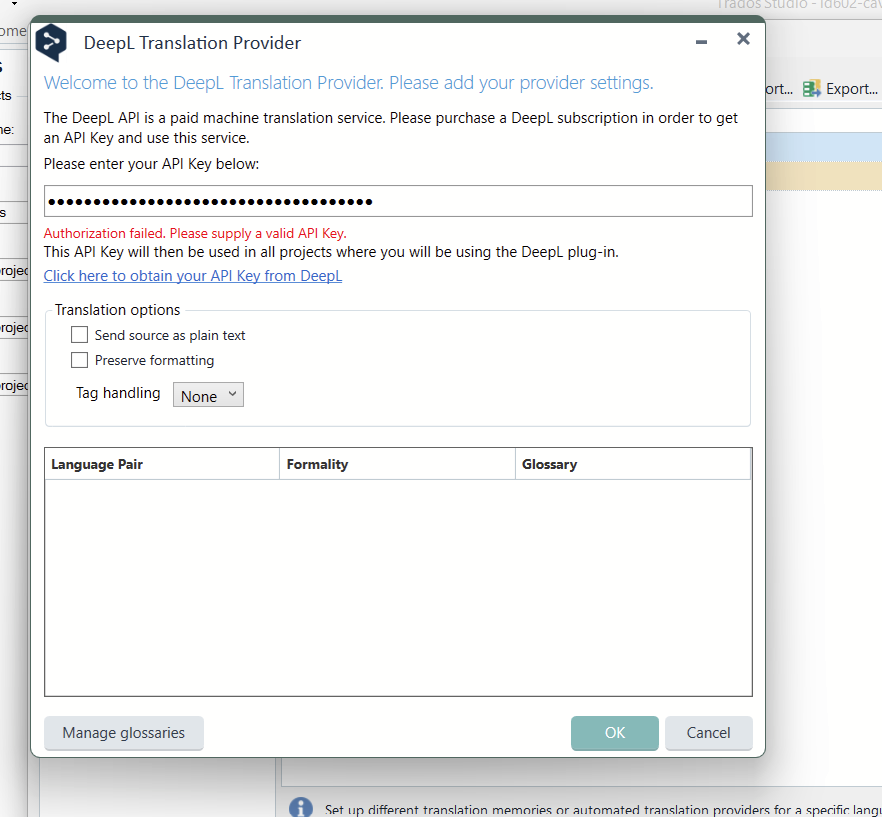
My DeepL plugin for Trados has not been working for about a month now. I am getting an error message that the API key is invalid (see screenshots below).
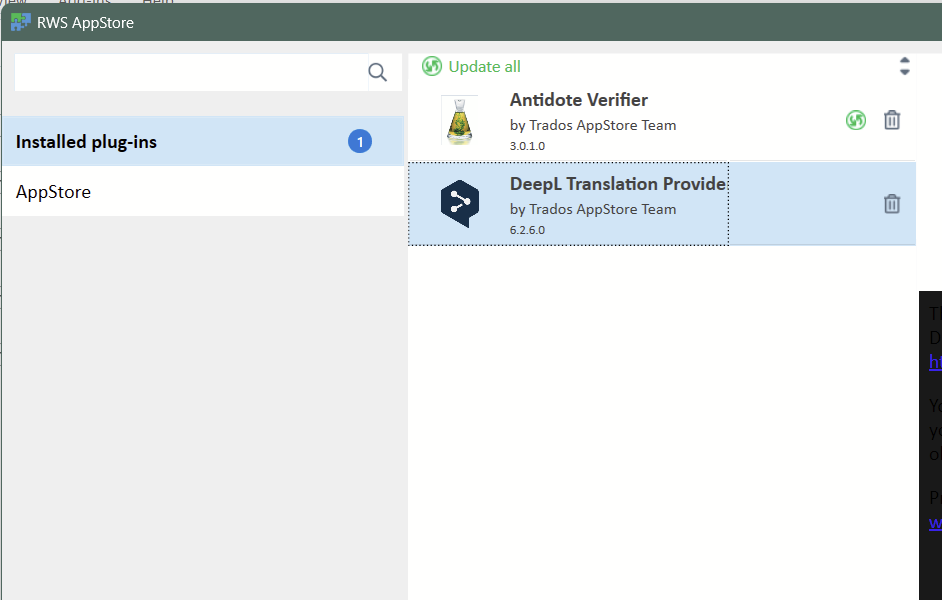
I am using Trados Studio 2022 SR2 - 17.2.12.19268 and DeepL 6.2.6.0.
What I have done:
1. I checked that I still have an acive DeepL Pro account - YES.
2. I requested a new API key from DeepL
3. I updated Trados.
4. I uninstalled DeepL and reinstalled the latest plugin. (I checked to make sure it is not installed twice)
Nothing is working. Screenshots below of issue, Trados version #, DeepL version #.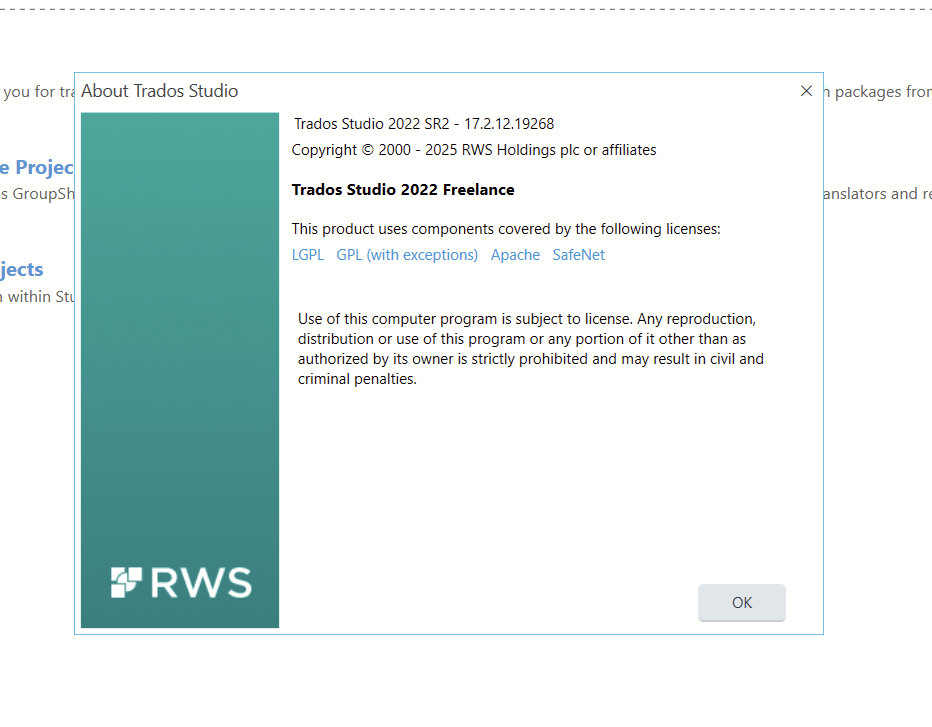
Removed AI Suggestion
[edited by: Laurie Bennett at 6:46 PM (GMT 1) on 8 Apr 2026]




