DeepL API key authorization failed

Hi,

I have the exact same issue as in this post: community.rws.com/.../192608

My DeepL plugin for Trados has not been working for about a month now. I am getting an error message that the API key is invalid (see screenshots below).

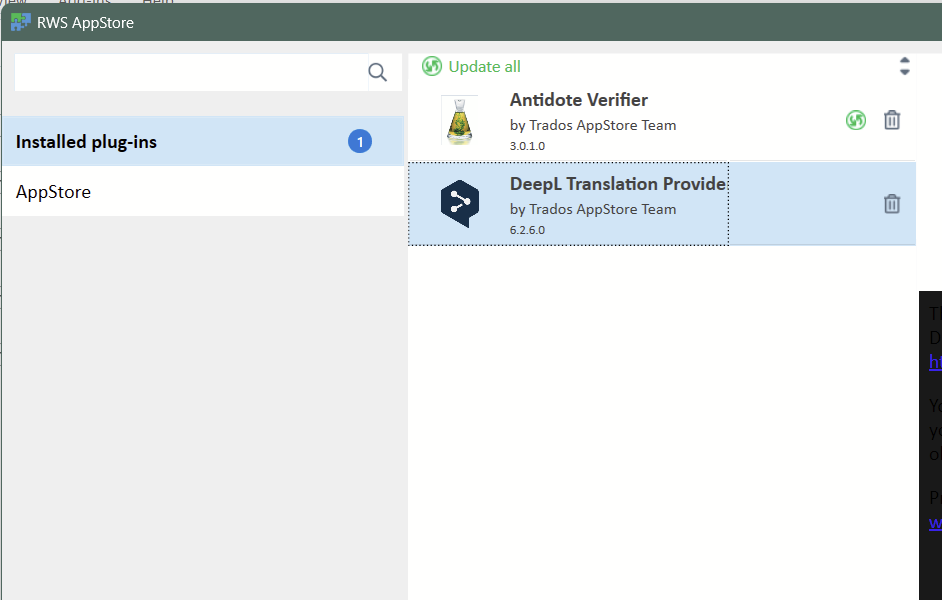
I am using Trados Studio 2022 SR2 - 17.2.12.19268 and DeepL 6.2.6.0.

What I have done:
1. I checked that I still have an acive DeepL Pro account - YES.
2. I requested a new API key from DeepL
3. 
I updated Trados.
4. I uninstalled DeepL and reinstalled the latest plugin. (I checked to make sure it is not installed twice)

Nothing is working. Screenshots below of issue, Trados version #, DeepL version #.
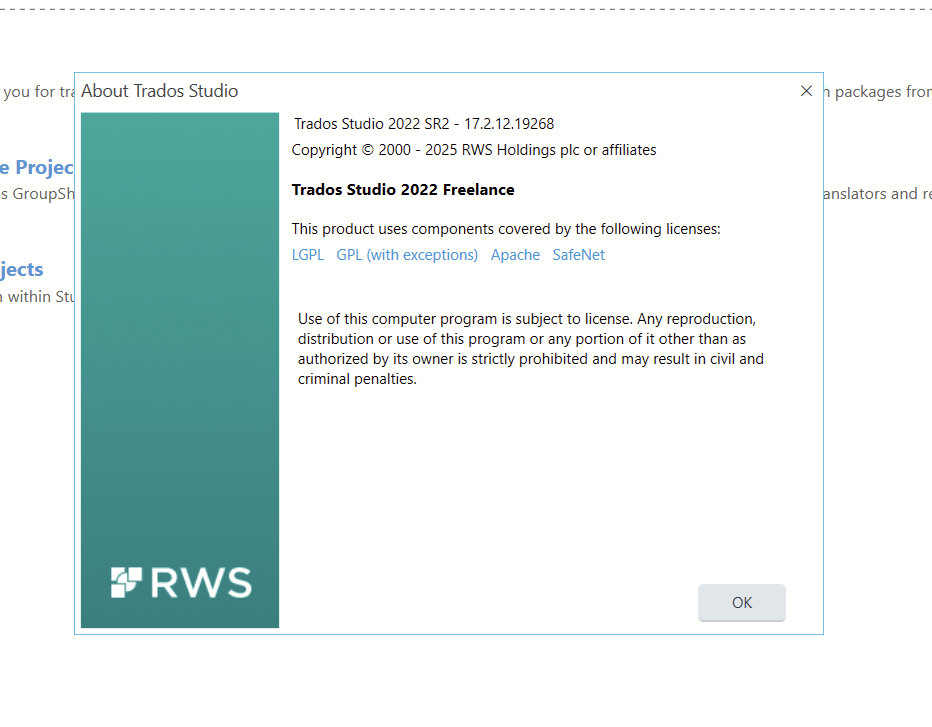
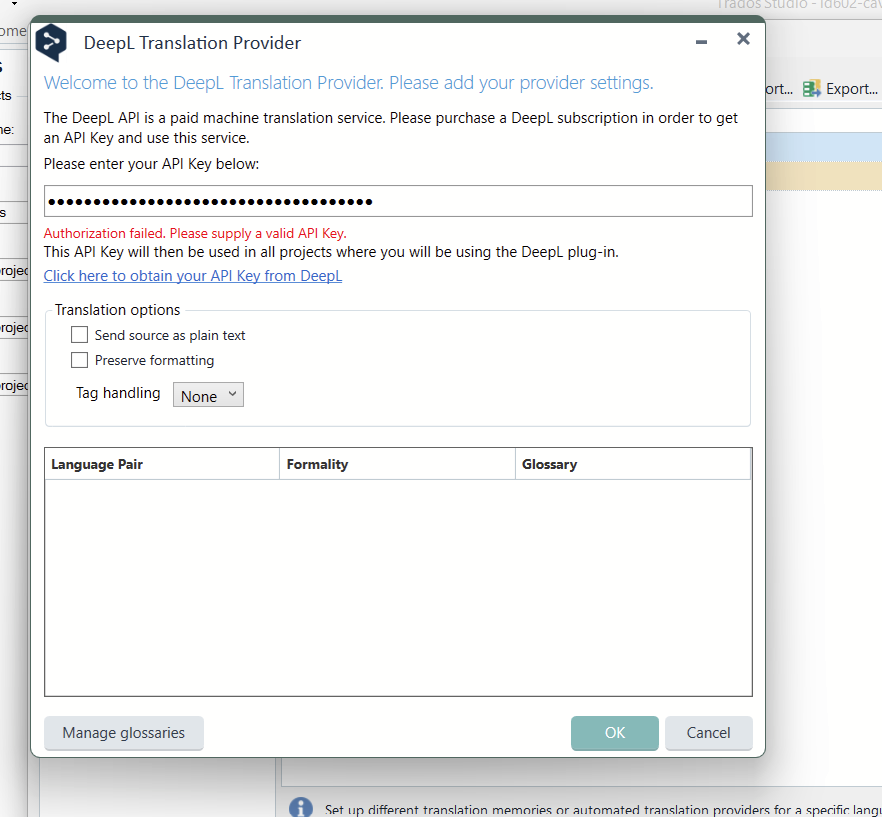
About Trados Studio window showing version 2022 SR2 - 17.2.12.19268, copyright details, and licensing information.DeepL Translation Provider settings window with an error message: 'Authorization failed. Please supply a valid API Key.'

RWS AppStore window showing installed plugins, including DeepL Translation Provider version 6.2.6.0 and Antidote Verifier version 3.0.1.0.


Removed AI Suggestion
[edited by: Laurie Bennett at 6:46 PM (GMT 1) on 8 Apr 2026]

emoji
Parents
  • Probability score: 0.8  

    Question improvement suggestion: Provide the exact error message you are receiving, including any error codes, to help diagnose the issue more effectively.  

    In the meantime, based on the information you have provided, here is a suggested answer to your question:  

    Hello! Thank you for reaching out regarding the DeepL API key authorization issue you're experiencing with Trados Studio. Let's go through some steps to help you resolve this:

    **Step 1:** Verify your DeepL Pro account is active. Since you mentioned it is, that's great!

    **Step 2:** Ensure you have the latest version of the DeepL Translation Provider installed. You can do this by:

    - Uninstalling the current version: Go to **Add-Ins** → **RWS AppStore** → **Installed plug-ins** and uninstall the DeepL plugin.

    - Downloading the latest version from the RWS AppStore.

    - Installing the new version by double-clicking on the installer you downloaded.

    **Step 3:** Check for updates for Trados Studio. Go to **Help** → **Check for updates** and ensure you are on the latest build.

    **Step 4:** If the issue persists, try generating a new API key from your DeepL account and update it in the plugin settings.

    **Step 5:** Restart Trados Studio after making these changes to ensure they take effect.

    If you continue to experience the same error, please provide the exact error message you are receiving, as this will help in diagnosing the issue further.

    I hope this answer addressed your question. If not, please reject the answer, add the question improvement suggestion information, and click the RWS Community AI checkbox on the right to try again.  

    RWS Community AI

    emoji
  • I have already done all these things, as described in the post above.

    emoji
Reply Children
No Data