
 Translate


Plugins are normally quite robust, but as with all software, issues can arise.
Many issues can be resolved by simply removing the plugins, ensuring Tradio Studio is up to date and reinstalling the plugin.
Therefore it's always worthwhile knowing where you can find where the plugins are installed.
First- open Windows Explorer and make sure Hidden Items is enabled (this is always disabled by default)

Now navigate to the following folders:
C:\Users\%Username%\AppData\Roaming\Trados\Trados Studio\18\Plugins\Packages (Trados 2024)
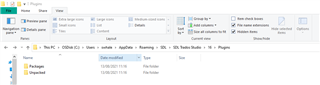
You can delete the folders (or if you know which plugin is causing the issue- the individual plugin from each folder)
***Please ensure Trados Studio is closed before deleting the plugins/folder***
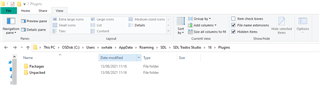
When you reinstall a plugin, please download it either from the integrated Appstore (Welcome view > Add-Ins tab > RWS Appstore > Installed plug-ins) or from the Appstore website: https://appstore.rws.com/
The folders will then be recreated and should load correctly when you restart Studio.
For more info please see this article.