Installation

Hi,

I had a problem with Windows 10 which forced me to reinstall Trados Studio 2014 again. I got a message that the installation was successful yesterday, but today I got an error message while starting up Studio. 

The error reads:
Application is not configured for LanguageCloudUrlsConfig.

The other problem, as is clear from the Screenshot below, is that the languages saved in Trados are different from the languages that I chose in the setup and the Arabic language, which is my target language, is not available.

Could you please advise how to solve these two problems??

Best regards,

Noha Mostafa
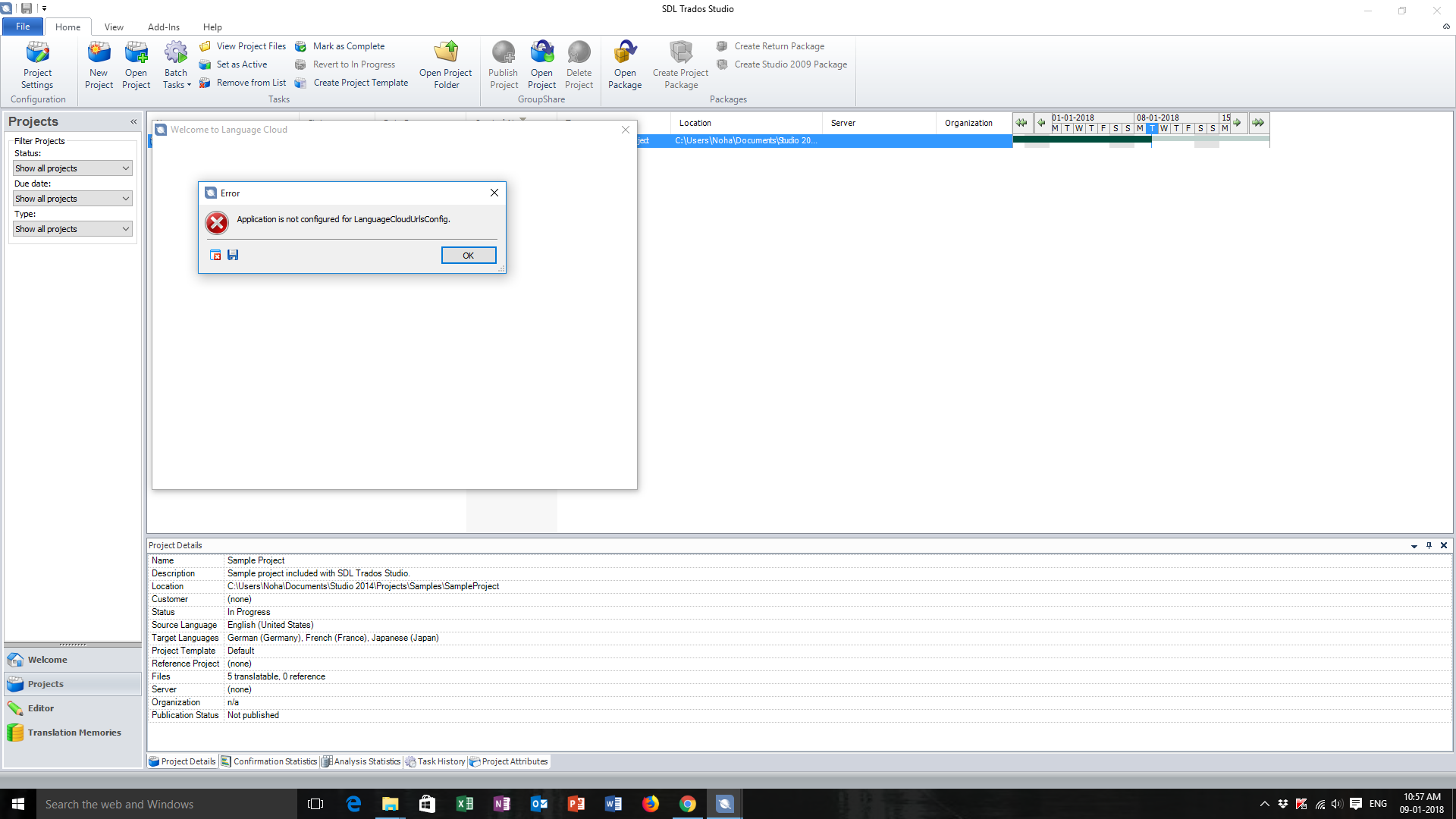
Trados Studio error message stating 'Application is not configured for LanguageCloudUrlsConfig' on startup.


Generated Image Alt-Text
[edited by: Trados AI at 11:22 AM (GMT 0) on 4 Mar 2024]

emoji
Parents
  • Hi ,

    's suggested solution should work - right click on the Studio icon and select 'Run as administrator' or reinstall as Admin - and indeed it is best to perform every installation this way (right-click on the file to be installed and select 'Install as Admin' from the dropdown menu).

    In case there are further issues preventing this... With licensing or installation issues that are stopping you working you can get free help from SDL Support really quickly here:

    Licensing or installation issues

    Fill in all the details required on the form and submit it. There is a box to select whether it is an installation or licensing problem. They will help you free of charge.

    Make sure your email address is correct or nobody will be able to contact you. You will receive an auto-reply immediately then they will contact you ASAP, usually within 24 hours depending how busy they are.

    Hope this helps,

    All the best,

    Alison (edited since posting) [;)]

Reply
  • Hi ,

    's suggested solution should work - right click on the Studio icon and select 'Run as administrator' or reinstall as Admin - and indeed it is best to perform every installation this way (right-click on the file to be installed and select 'Install as Admin' from the dropdown menu).

    In case there are further issues preventing this... With licensing or installation issues that are stopping you working you can get free help from SDL Support really quickly here:

    Licensing or installation issues

    Fill in all the details required on the form and submit it. There is a box to select whether it is an installation or licensing problem. They will help you free of charge.

    Make sure your email address is correct or nobody will be able to contact you. You will receive an auto-reply immediately then they will contact you ASAP, usually within 24 hours depending how busy they are.

    Hope this helps,

    All the best,

    Alison (edited since posting) [;)]

Children