Installation

Hi,

I had a problem with Windows 10 which forced me to reinstall Trados Studio 2014 again. I got a message that the installation was successful yesterday, but today I got an error message while starting up Studio. 

The error reads:
Application is not configured for LanguageCloudUrlsConfig.

The other problem, as is clear from the Screenshot below, is that the languages saved in Trados are different from the languages that I chose in the setup and the Arabic language, which is my target language, is not available.

Could you please advise how to solve these two problems??

Best regards,

Noha Mostafa
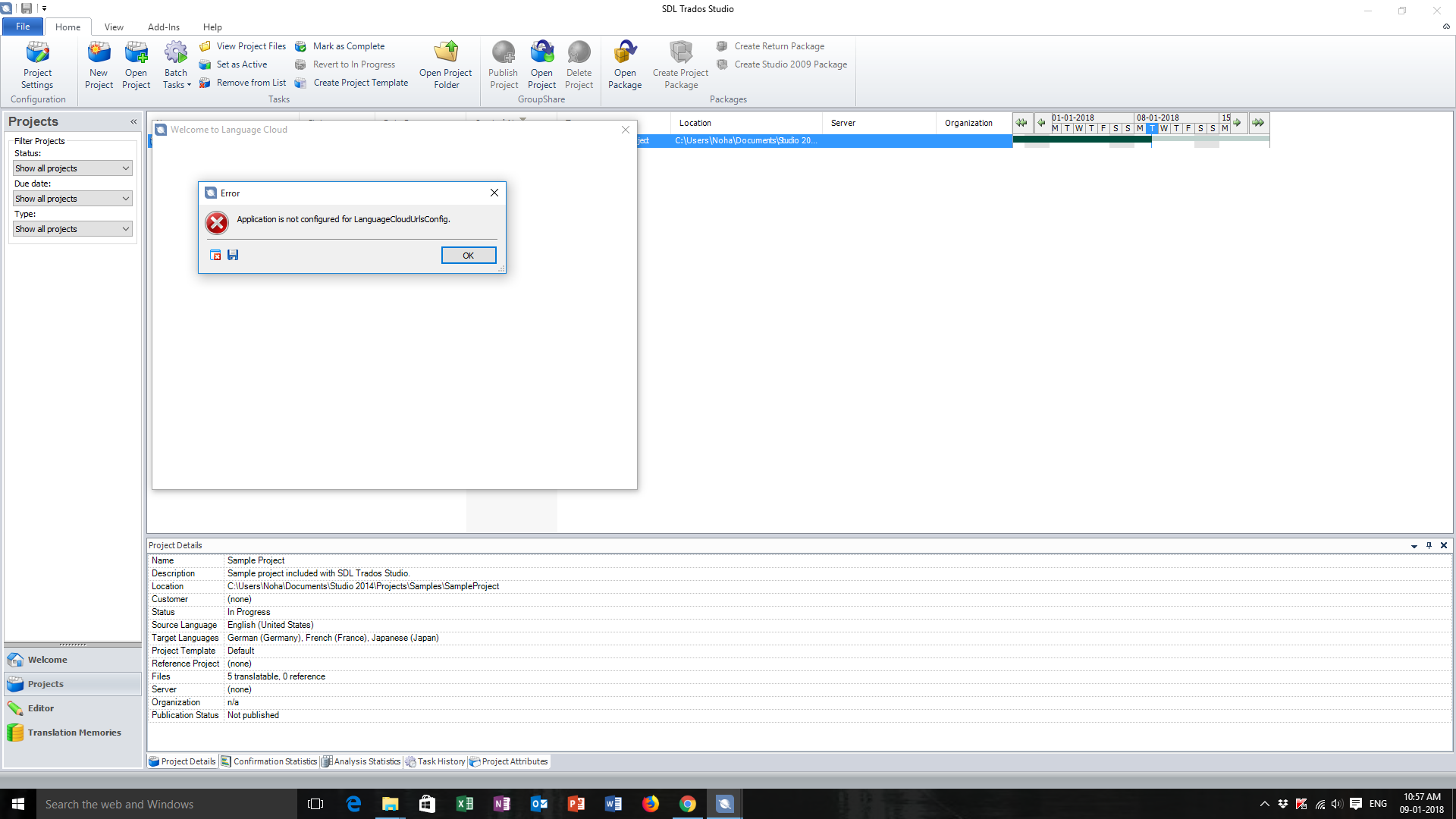
Trados Studio error message stating 'Application is not configured for LanguageCloudUrlsConfig' on startup.


Generated Image Alt-Text
[edited by: Trados AI at 11:22 AM (GMT 0) on 4 Mar 2024]

emoji
Parents Reply
  • Hello noha mostafa (nohamostafa) ,

    Can you first confirm you are using a PC (and not a MAC) please- and if you are using Parallels (or similar such as VM) on a MAC- that you are accessing the App store via Parallels and not the MAC!

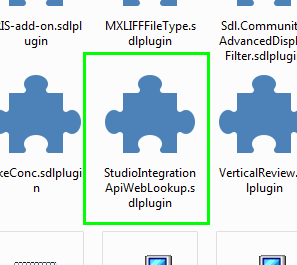
    If so go to your downloads folders and locate - Web Lookup (or go to downloads in your Browser to highlight the folder where the app is saved)

    Screenshot showing the Trados Studio downloads folder with the 'StudioIntegrationApiWebLookup.sdlplugin' file highlighted.


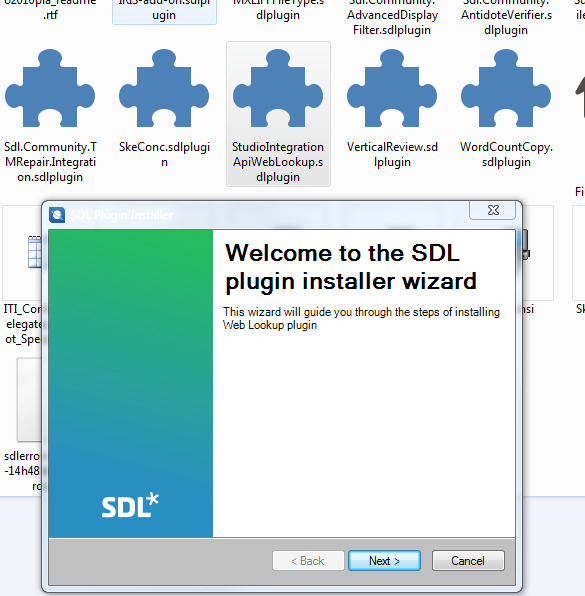
    Now when you double click the icon this should start the SDL Plugin Install Wizard

    Screenshot of the SDL Plugin Installer Wizard welcome screen for the Web Lookup plugin with the 'Next' button available.

    Then after a few quick and easy steps- you should get the message that the app is installed.

    If you are not getting any of this - please includes screen shots of the error messages as they happen.


    Kr


    Oana Nagy | Developer Experience | QA Engineer | RWS Group

    emoji


    Generated Image Alt-Text
    [edited by: Trados AI at 11:22 AM (GMT 0) on 4 Mar 2024]
Children