Translate



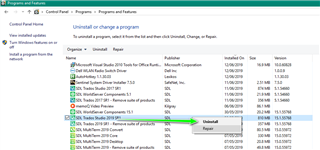
I've just upgraded to Trados 2019 and am trying to install the full programme on a machine that previously had the demo version installed (I'd uninstalled it).
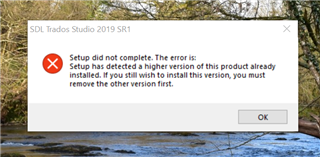
I'm now unable to install Trados 2019 as I kept getting an error message telling me a higher version was installed and to remove that first. The only way I could get round this error was to follow the work around here: https://community.sdl.com/product-groups/translationproductivity/f/multiterm/21977/setup-did-not-complete-setup-has-detected-a-higher-version-of-this-version-already-installed-how-to-get-rid-of-this-obstrusive-higher-version
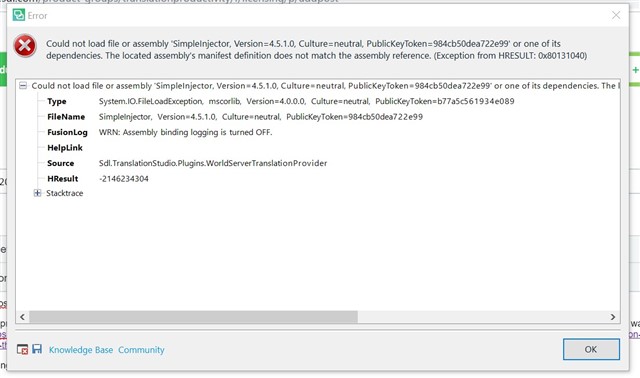
I've now got as far as setting the languages to be used with Trados, but now I'm getting this message. The whole programme then shuts down...
Thanks in advance: I'm completely stumped!
Generated Image Alt-Text
[edited by: RWS Community AI at 11:52 PM (GMT 0) on 14 Nov 2024]