Translate



Hi.
I purchased a new computer recently and installed Trados Studio 2021 and it was installed fine on my computer.
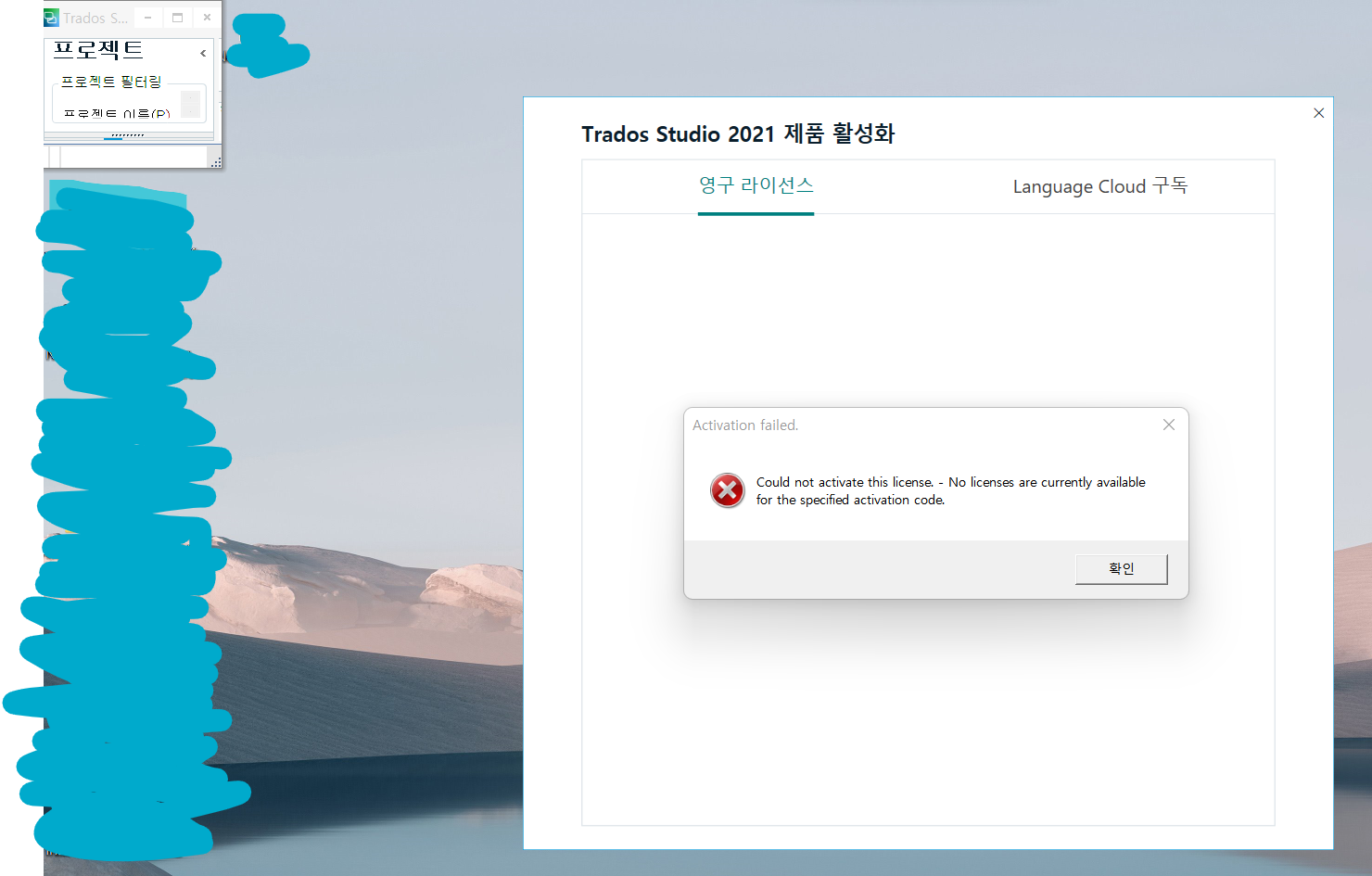
However, my Windows 11 crashed and I had to reinstall Windows 11 but this time, it did not work and the activation dialog box pops up constantly asking to enter my activation key.
I did enter my activation key in the first place but something went wrong and the dialog box keeps popping up now asking to enter the key.
I logged in my RWS webpage and checked my license information and found out that my license has been used.
What should I do now?
Sincerely,
Eunsuk Park