Translate



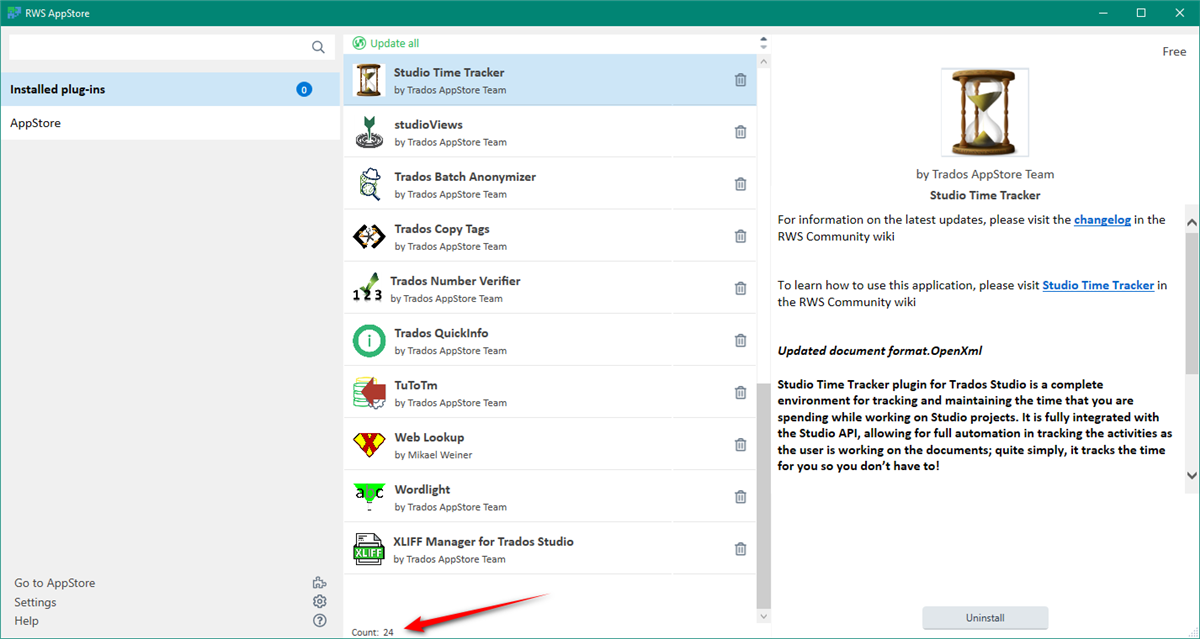
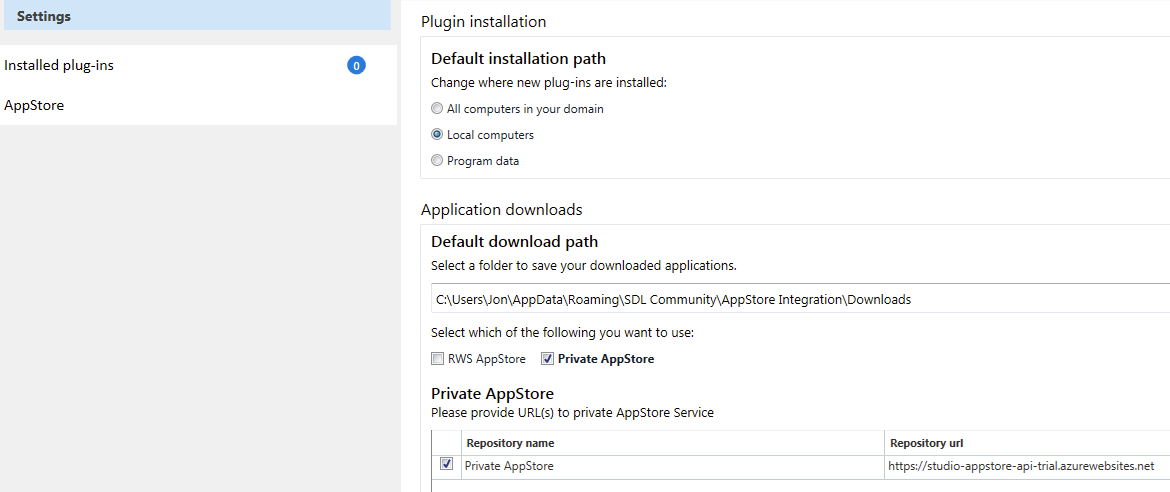
I recently installed Studio 2022, and after some discussion here on the forum, managed to install some plug-ins.
When I tried to start Studio after this, I was shown this message:
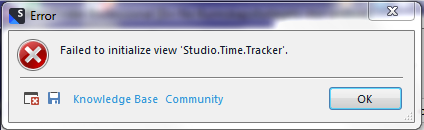
and then the Studio refused to start, and the icon-button disappeared from the bottom of the screen.
I can probably do without the timetracker, but I do need to be able to start Studio 2022.
Hope someoone can help.
Jon
Stack attached
<SDLErrorDetails time="22.08.2022 14:00:14">
<ErrorMessage>Failed to initialize view 'Studio.Time.Tracker'.</ErrorMessage>
<Exception>
<Type>Sdl.Desktop.Platform.StudioException, Sdl.Desktop.Platform, Version=17.0.0.0, Culture=neutral, PublicKeyToken=c28cdb26c445c888</Type>
<HelpLink />
<Source>Sdl.Desktop.Platform</Source>
<HResult>-2146233088</HResult>
<StackTrace><
at Sdl.Core.PluginFramework.Integration.ExtensionBuilderFactory.Build[TResult](IExtension extension, ExtensionArguments arguments, Boolean useCache)
at Sdl.Core.PluginFramework.Integration.ExtensionBuilderFactory.<>c__DisplayClass4_0`2.<Build>b__0(IExtension extension)
at System.Linq.Enumerable.WhereSelectEnumerableIterator`2.MoveNext()
at System.Collections.Generic.List`1..ctor(IEnumerable`1 collection)
at System.Linq.Enumerable.ToList[TSource](IEnumerable`1 source)
at Sdl.Core.PluginFramework.Integration.ExtensionBuilderFactory.Build[TAttribute,TResult](ExtensionArguments arguments, Boolean useCache)
at Sdl.Core.PluginFramework.Integration.ExtensionsFactory.Create[TAttribute,TResult](ExtensionArguments arguments, Boolean useCache)
at Sdl.Desktop.Platform.Implementation.ViewRegistry.InitializeIntegrationControllers()
at Sdl.Desktop.Platform.Implementation.ViewRegistryOperator.InitializeIntegrationControllers()
at Sdl.Desktop.Platform.Implementation.StudioWindow.Init(IEventAggregator eventAggregator)
at Sdl.Desktop.Platform.Implementation.Studio.CreateWindowInternal(Boolean setActive, IEventAggregator eventAggregator)
at Sdl.Desktop.Platform.Implementation.Studio.Run(ISplashScreen splashScreen, IPluginLoaderService pluginLoaderService, ICommandLineParsingService commandLineParsingService, IUserSettingsService userSettingsService, IEnumerable`1 startUpActions)
at Sdl.TranslationStudio.Application.Launcher.RunApplication()]]></StackTrace>
<InnerException>
<Type>System.Exception, mscorlib, Version=4.0.0.0, Culture=neutral, PublicKeyToken=b77a5c561934e089</Type>
<HelpLink />
<Source>Sdl.Community.Studio.Time.Tracker</Source>
<HResult>-2146233088</HResult>
<StackTrace><![CDATA[ at Sdl.Community.Studio.Time.Tracker.Structures.SettingsSerializer.ReadSettings()
at Sdl.Community.Studio.Time.Tracker.Panels.Main.StudioTimeTrackerViewController.Initialize(IViewContext context)
at Sdl.Desktop.IntegrationApi.AbstractViewController.Sdl.Desktop.IntegrationApi.Internal.IViewController.Initialize(IViewContext context)
at Sdl.Desktop.IntegrationApi.Internal.Adaptors.InternalDockingViewAdaptor.OnInit(IViewSite site, ISettingsGroup settings)
at Sdl.Desktop.Platform.AbstractView.Init(IViewSite site, ISettingsGroup settings)
at Sdl.Desktop.Platform.Implementation.StudioWindow.EnsureViewSite(IViewReference viewReference)]]></StackTrace>
</InnerException>
</Exception>
<Environment>
<ProductName>Trados Studio</ProductName>
<ProductVersion>Studio17</ProductVersion>
<EntryAssemblyFileVersion>17.0.0.11594</EntryAssemblyFileVersion>
<OperatingSystem>Microsoft Windows 7 Professional </OperatingSystem>
<ServicePack>Service Pack 1</ServicePack>
<OperatingSystemLanguage>1033</OperatingSystemLanguage>
<CodePage>1252</CodePage>
<LoggedOnUser>JonPrecision14\Jon</LoggedOnUser>
<DotNetFrameWork>4.0.30319.42000</DotNetFrameWork>
<ComputerName>JONPRECISION14</ComputerName>
<ConnectedToNetwork>True</ConnectedToNetwork>
<PhysicalMemory>33476472 MB</PhysicalMemory>
</Environment>
</SDLErrorDetails>
Generated Image Alt-Text
[edited by: Trados AI at 1:30 PM (GMT 0) on 4 Mar 2024]