Translate



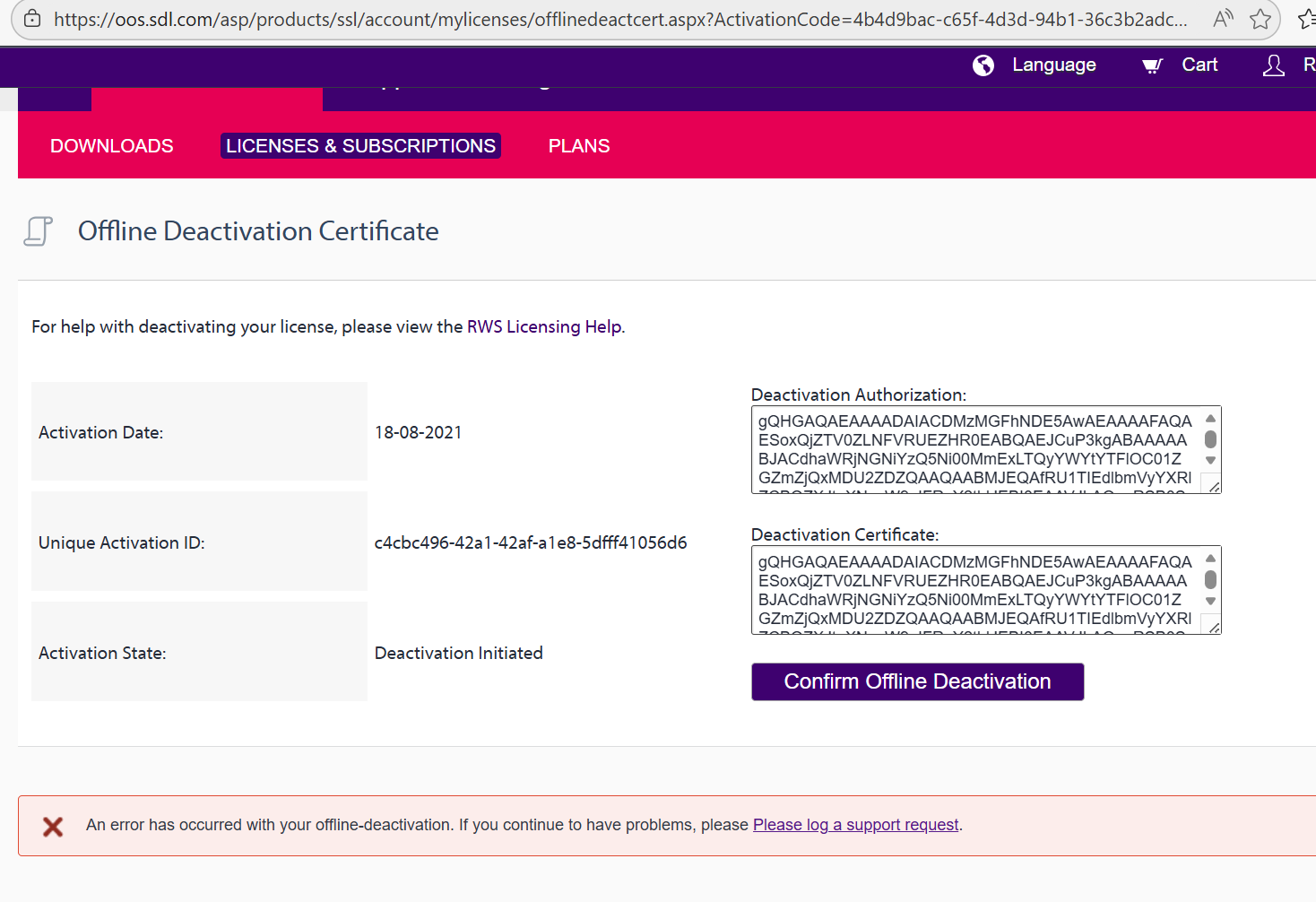
I installed trados on the new laptop and I'm inserting my activation code however I keep getting this error message. Any help how to fix this?
I already disabled firewall and downloaded Trados 2019 the version which I had originally bought in 2021.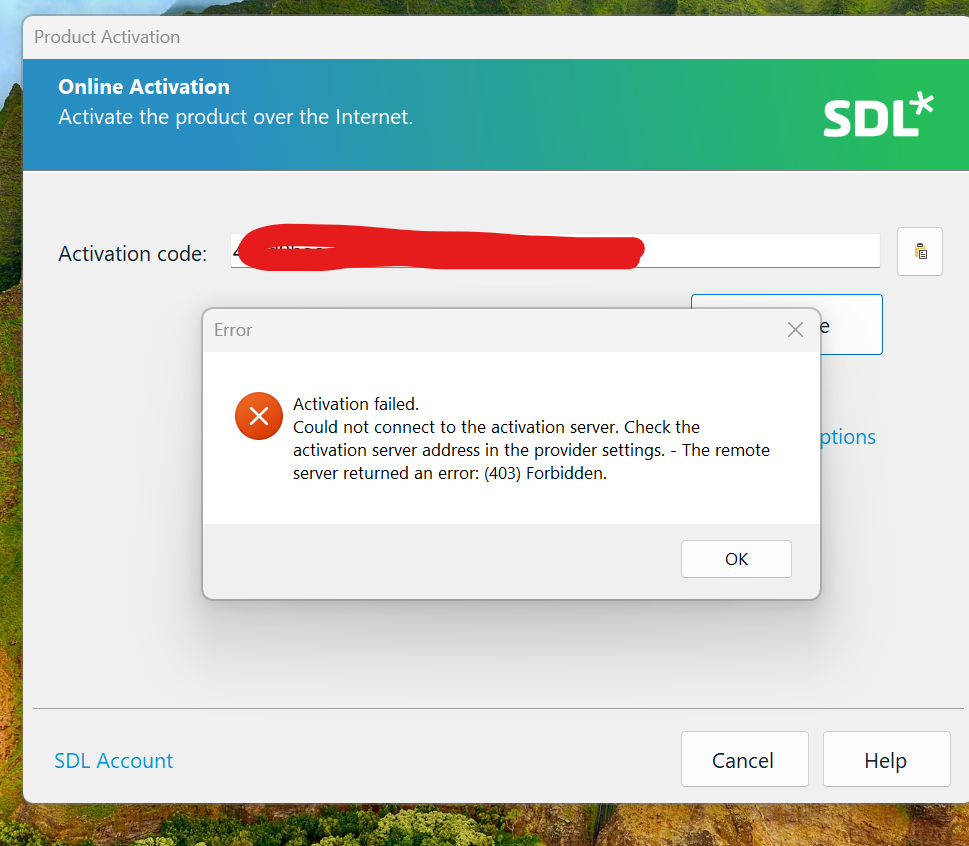
Generated Image Alt-Text
[edited by: RWS Community AI at 1:42 PM (GMT 0) on 28 Jan 2026]