Translate



Dear All,
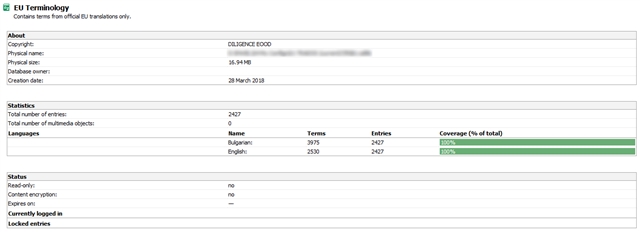
Even after the latest update to v15.0.3.55976 MultiTerm does not need much to break down, crash and sometimes mess up your termbase in the process (termbases inexplicably grow to 16+ times their original size and then stop working).
All you need to crash MultiTerm is to open it as a standalone tool, add about 20 new terms to a termbase and then click on Termbase Management in the bottom left side of your screen. This will take MultiTerm by surprise, throw it into deep thought for a couple of minutes and then the following error message will appear:
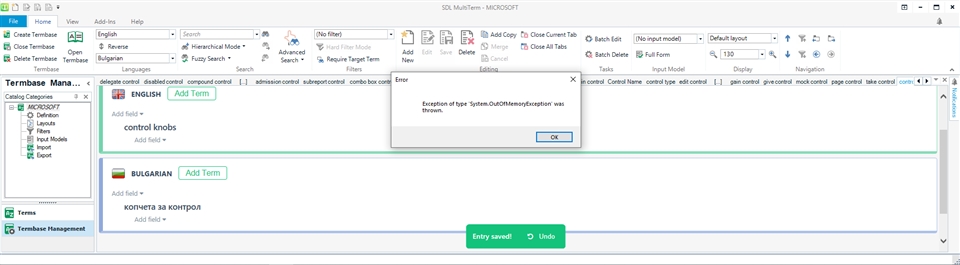
Now you have to close MultiTerm, as checking on the number of terms in your termbase is obviously not a supported function if you have been adding new terms to your termbase.
When you re-open MultiTerm, you get a messed-up layout:
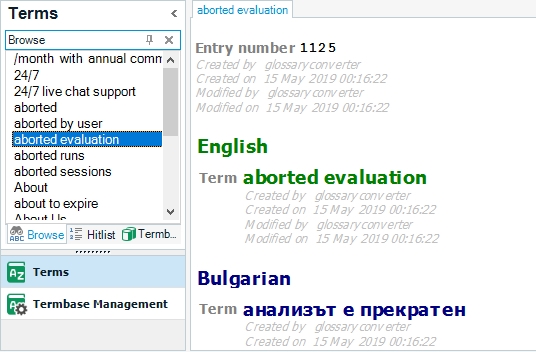
...so one more thing to fix before continuing work.
Best regards,
Pavel Tsvetkov
Generated Image Alt-Text
[edited by: Trados AI at 1:33 PM (GMT 0) on 5 Mar 2024]