Translate



Hello,
I have noted that this error has already been discussed and answered in the SDL Community. I have tried the proposed workaround described in the link below and it worked but I have to do the same every time I click the "Translation Memories" menu.
https://gateway.rws.com/csm?id=kb_article_view&sysparm_article=KB0035593
Then, after clicking OK in the error I have to re-start Studio and the following error prevents the program from opening it: "The translation memory data file is corrupt"
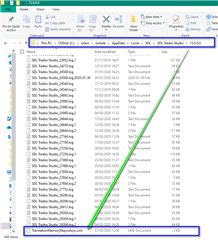
So, I used another workaround: Rename the "SDL Trados Studio" folder (c:\Users\[USERNAME]\AppData\Roaming\SDL\SDL Trados Studio\14.0.0.0) to open Trados but, as I said, the "Failed to activate view..." error displays again when I click the "Translation Memories" menu.
I have just re-installed Studio 2017 but without any luck.
Version: Freelance Plus - SDL Trados Studio 2017 SR1 - 14.1.6329.7
Any help?
Kind regards,
Marisol