
 Translate



Good Morning,
I just installed SDL Groupshare 2017, and the installation occurred without any errors or problems.
He created the files correctly, the databases, and the IIS instances as well.
Everything seems to be installed perfectly, however, when I try to log in to the group share it displays the following error message:
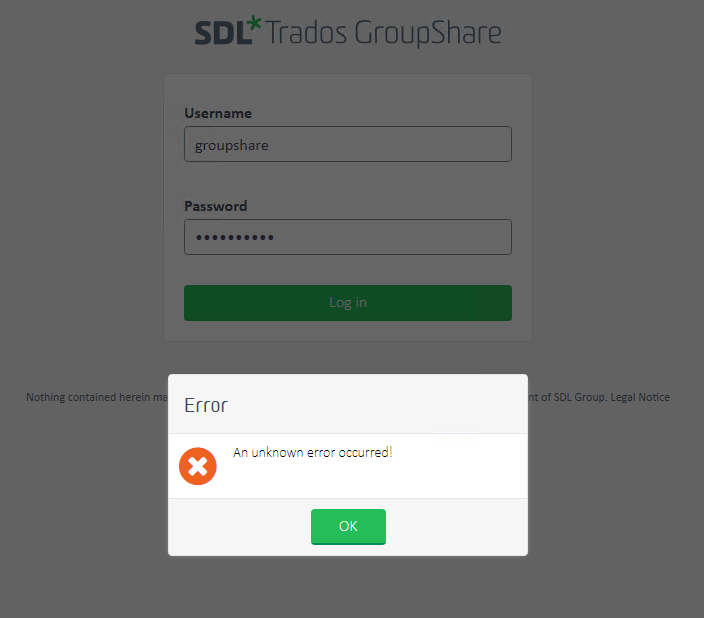
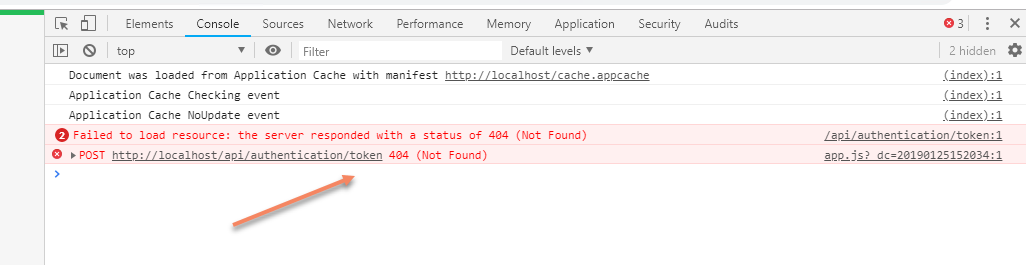
When inspecting the error in the Chrome console, and I noticed that the error displayed is 404, it's as if there was no API.
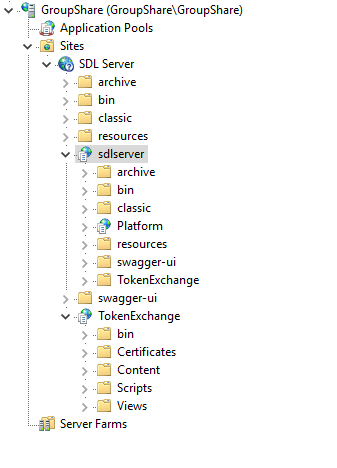
My IIS seems to be installed correctly.
Someone knows this error because I reinstalled twice and it did not solve the problem.
Generated Image Alt-Text
[edited by: Trados AI at 12:45 AM (GMT 0) on 29 Feb 2024]


