
 Translate



Hi,
I'm having a problem another user had a couple of years ago. I've just switched to Studio 2019 SR1. When I click Ctrl + Enter to confirm a TU the cursor immediately moves to the next segment. However the cursor disappears from my screen. I then have to use the mouse to place the cursor back in the next segment, which is both annoying and time consuming. Any suggestions, please?
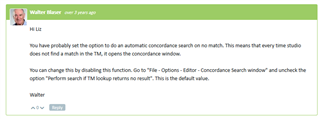
PS: Unfortunately, this is not the answer I'm looking for, since I haven't activated the "Concordance search window".
Generated Image Alt-Text
[edited by: Trados AI at 4:34 PM (GMT 0) on 28 Feb 2024]


