
 Translate



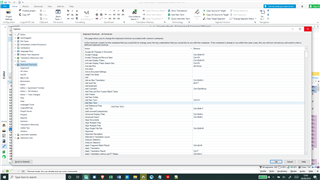
Hi! For some reason, the add new term and quick add term shortcuts have stopped working for me in the latest Studio 2019 update. Also, both commands strangely have two identical entries in the keyboard shortcut list (see screenshot). Any ideas how I can fix this problem? I've tried switching which of the duplicate entries the shortcut is attached to, but that doesn't seem to help
Regards,
Dan
Generated Image Alt-Text
[edited by: Trados AI at 10:49 PM (GMT 0) on 28 Feb 2024]


