Translate



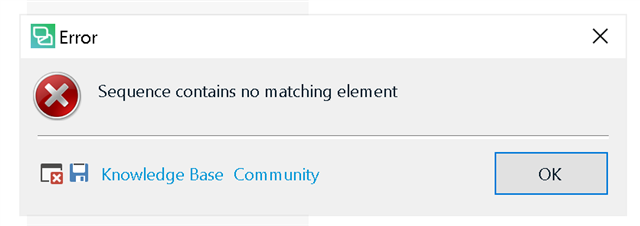
After upgrading to the latest 2019 SR2, I'm no longer able to prepare files to translate as batch tasks fail:
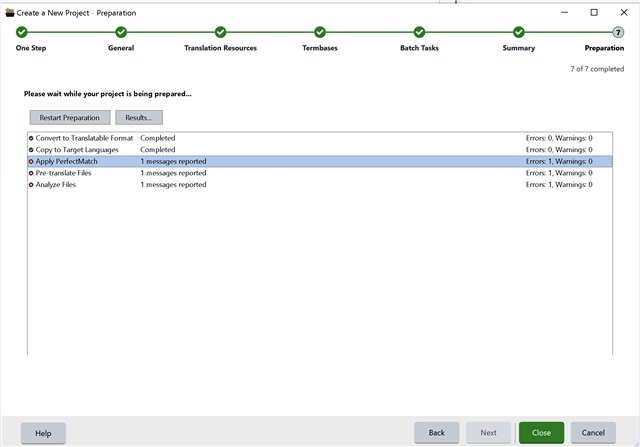
Error stack:
I have already done the following:
• Uninstalled and reinstalled product (this error is happening on a clean install)
• Turned SDL Cloud Translation on and off for project preparation
• Tried different documents (error happens on all DOCX files I tried from different sources)
• Tried different language combinations with and without SDL Cloud (error happens in all installed languages)
Thanks in advance for any insight or suggestions!
Generated Image Alt-Text
[edited by: Trados AI at 7:35 PM (GMT 0) on 28 Feb 2024]