Translate



Hello,
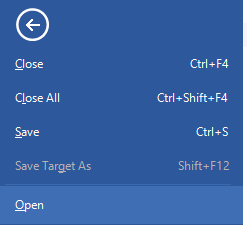
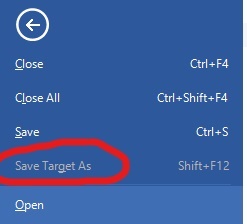
I have two sdxliff files open in studio, they have been fully translated but unfortunately I am not able to export them in their original Word format as the option "Save Target as" is not available?
What can I do?

Thank you in advance!
Generated Image Alt-Text
[edited by: Trados AI at 7:35 PM (GMT 0) on 28 Feb 2024]