Translate



Hi!
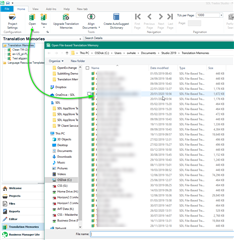
I switched to Studio 2019, and my main TM (which is a big one) is not there in the "translation memories view" - instead, it starts loading AFTER I click on "translation memories view" in the left pane. Alternatively, it is starting to load when I launch Trados Studio 2019, and the program opening takes 5-10 minutes, because the big TM is loading.
I've checked TranslationMemoryRepository.xml, and the file path and name is correct in there.
In Studio 2017, this same big TM used to be always there - opened, ready to roll. No waiting, no loading.
What do I do?
Thanks!

RWS Community