Translate



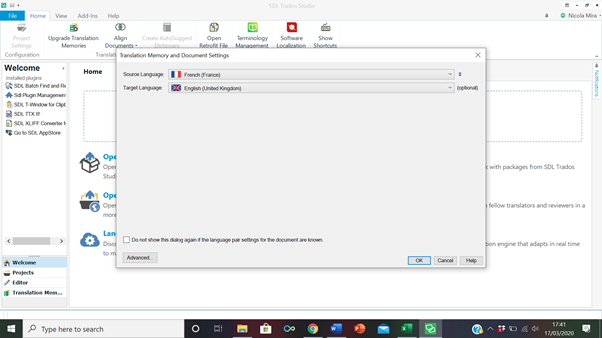
Hi, my Studio 2017 has suddenly stopped opening the TMs, so I'm stuck. I click to translate a new doc as single document, select the source file, insert source and target language, and then the page remains blank, with no TM field (see below). It doesn't allow me to select a TM, so I can't proceed. Any suggestions? Thank you very much,
Nic Mira
Generated Image Alt-Text
[edited by: Trados AI at 8:30 PM (GMT 0) on 28 Feb 2024]