Translate



Goodmorning fellow linguists,
Hope you and your family are doing well in these momentuous times!
So. Very simple question but browsing through similar questions in the forum hasn't solved my issue.
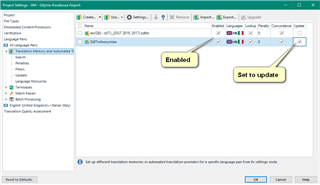
My client has sent an update with added text to a file I've already translated a few days ago. I add the new file to the project, choose "Pre-translate" under batch tasks but nothing happens even though 90% of those segments must already be in the TM with a 100% match. I haven't used this feature a lot and last time was quite a few months ago so I may inadvertently have changed some settings. In this project I was using SDL Language Cloud but activated or inactivated doesn't make a difference. Here are my project settings for pre-translate: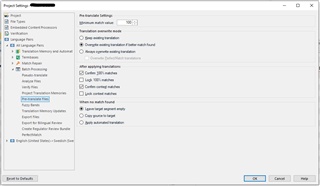
Generated Image Alt-Text
[edited by: Trados AI at 9:13 PM (GMT 0) on 28 Feb 2024]