Translate



Hi,
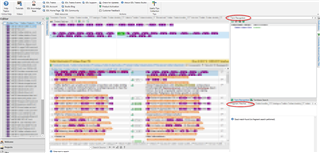
Anybody can help me get rid of the menu items placed on the right edge of the editor window?
Usually they are "Notifications", "Advanced Display Filter" and "Useful tips".
Some UX genius placed them right next to the right scrollbar (unlike in any other software I know) which results in repeat accidal opening of these items instead of proper use of the scrollbar.
Thank you.

Generated Image Alt-Text
[edited by: Trados AI at 2:33 AM (GMT 0) on 29 Feb 2024]