Translate



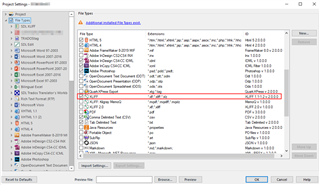
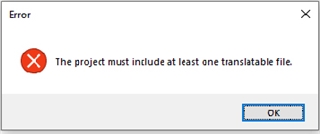
When adding two xlf files for translation in a Studio 2017 (Freelance Plus) project, the files are not recognized as translatable files and can only be used as reference files (no matching file type could be found).
When I try to open the same xlf file for translation as a single file, it is recognized and opened. I would, however, need to include several files in a project in order to measure cross-file repetitions, TM leverage etc.

Any help would be appreciated.
Generated Image Alt-Text
[edited by: Trados AI at 10:01 PM (GMT 0) on 28 Feb 2024]