Translate



Question describe:
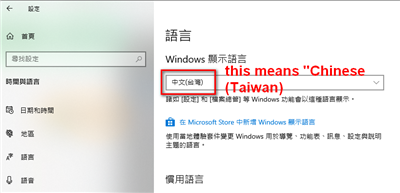
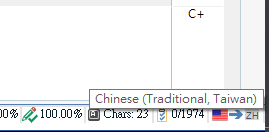
We recently upgrade our computer devices and re-install the Trados 2019.
However, the target cannot be shown correctly, some characters appears to be blank square.
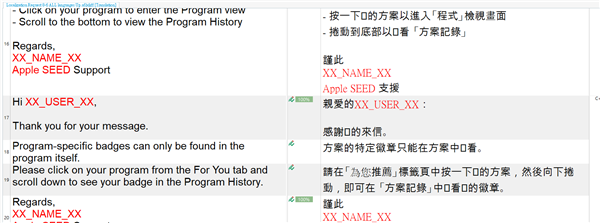
We currently know:
1. This file is fine, it shows correctly on other computer's Trados 2019
2. The blank square doesn't effect actual character, if we copy the square to notebook, it can correctly be shown.
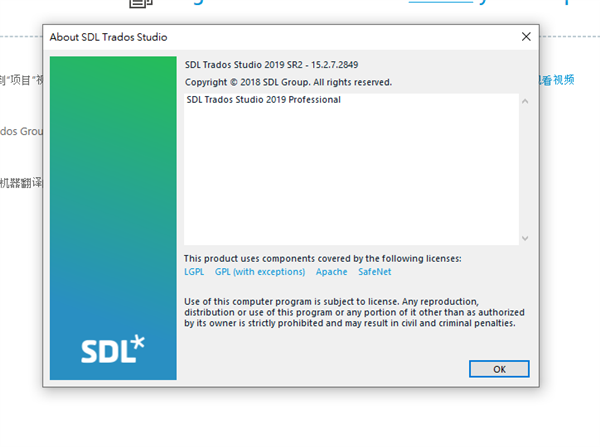
Here's the version of our Trados 2019, should be the latest version.
Could you please advice how could we fix this issue?
Generated Image Alt-Text
[edited by: Trados AI at 10:12 PM (GMT 0) on 28 Feb 2024]