
 Translate



In Studio 2021, when you get the "Dependancy not found" error, you just need to go to the folder, where the source file is. Studio will detect it at once, there is no need to switch from cryptical to real file name anymore. It makes the whole dealing with this error now very easy and quick.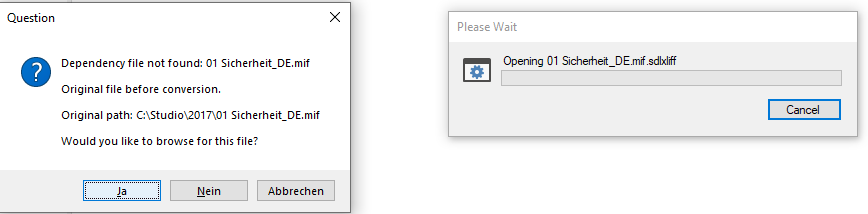
Press "yes" (my OS is German) and you see this:
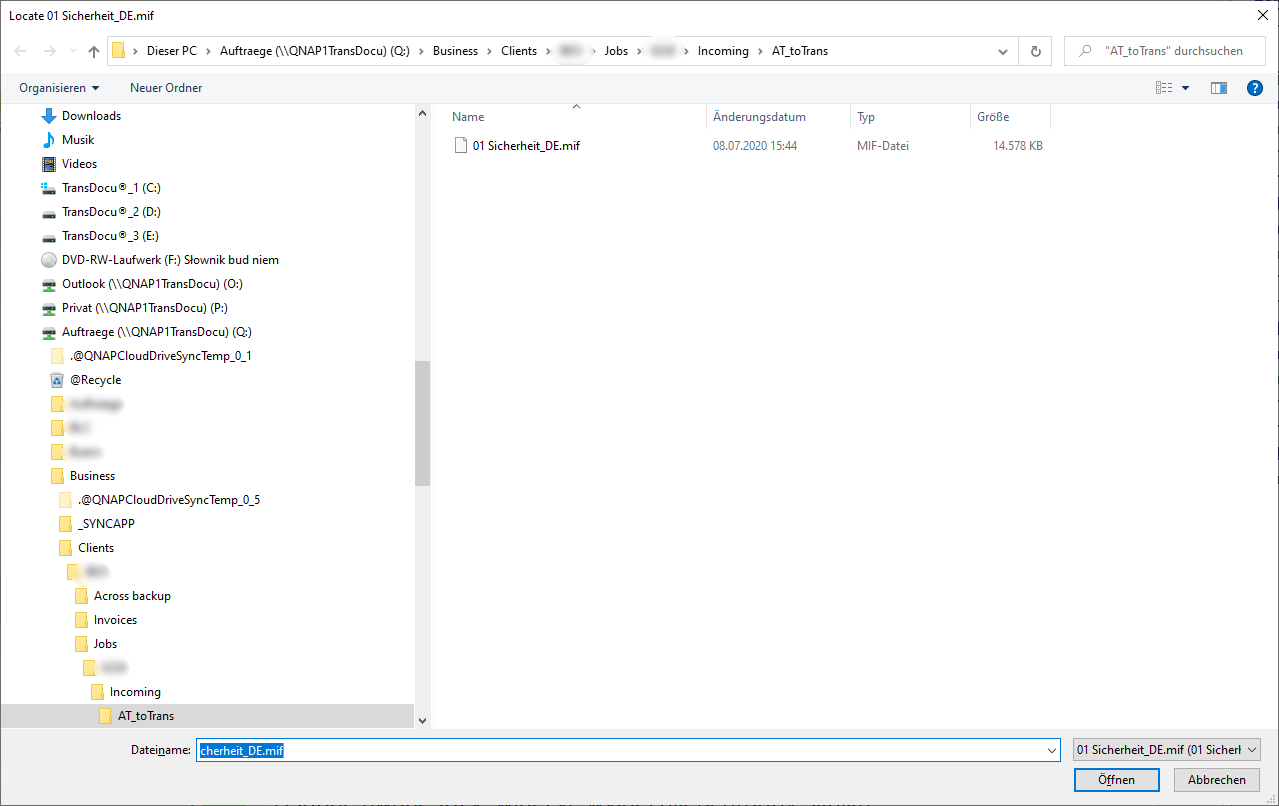
Studio is already looking for the correct file, you just need to point it to the correct folder and press "Open". That's all - really a huge change to what it was before.
Thank you, SDL - great job done here.
Generated Image Alt-Text
[edited by: Trados AI at 10:22 PM (GMT 0) on 28 Feb 2024]

_________________________________________________________
When asking for help here, please be as accurate as possible. Please always remember to give the exact version of product used and all possible error messages received. The better you describe your problem, the better help you will get.
Want to learn more about Trados Studio? Visit the Community Hub. Have a good idea to make Trados Studio better? Publish it here.
