Translate



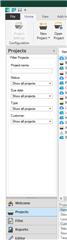
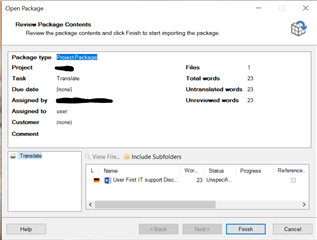
Hi. I work with Studio 2015 and till yesterday all was fine. But as of this morning packages don’t install properly. The following happens: I download the package onto my computer and then double click on it to open it. The wizard will open normally, I press "finish" and all seems to be fine. But when I open the project list in Studio the project is nowhere to be found. Also in Explorer in the Studio 2015 directory the project does not appear. When I try to install it again, I get a prompt telling me that I have already installed the package, would I like to install it again. But the project is not there. I have not changed any settings since yesterday. Where could my projects be hiding? Thank you.
Generated Image Alt-Text
[edited by: Trados AI at 10:49 PM (GMT 0) on 28 Feb 2024]