Translate



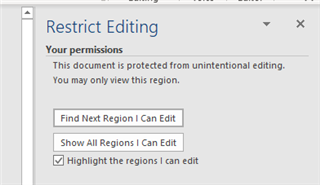
I have just tried to use the 'preview' option in Trados only to find that the Word file which comes up is in protected mode and I can't seem to get rid of it. I have unticked the options under Trust Centre Settings - Protected View but it hasn't helped. This means I can see the target Word file but whereas I used to be able to edit it (and these take effect in the Trados file too), this is no longer the case. I am using Microsoft 365.
Please help...