Translate



Hello there,
I have two questions I hope you can help me with:
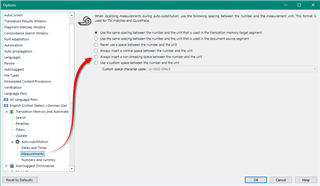
1) Is it possible to add a non-breaking space at the moment of creating a custom time format with the new functionality of Studio 2021?
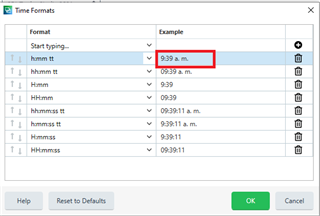
2) I am having problems with the default time format for my target language (Spanish-Colombia). As you can see in the image below, the format is supposed to include a space between the strings "a." and "m.", but it is not like this when adding times in the Editor view.

Thanks in advance for any ideas you can provide.
Generated Image Alt-Text
[edited by: Trados AI at 11:10 PM (GMT 0) on 28 Feb 2024]