Translate



Hello,
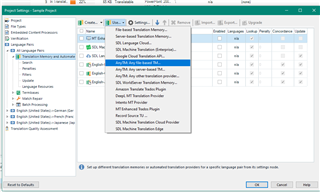
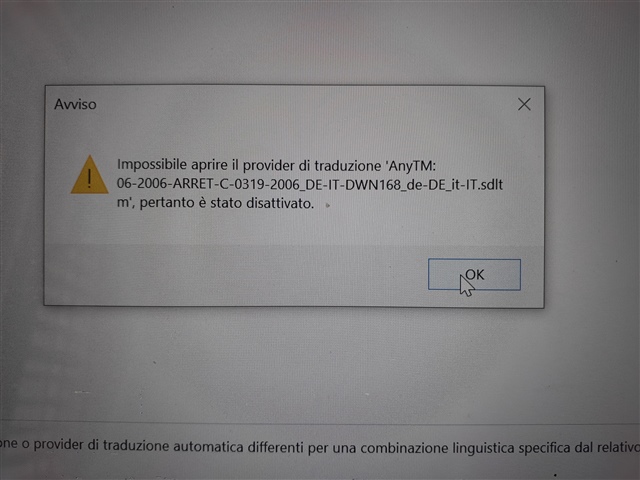
while I am uploading new TMs in a new project (or when I go on settings) I get the following message: 'impossible open the provider of translation, ecc.
Although I delete all of them, the next time they are still there and I still get this message. Can you help? It is really tiring.
Kind regards
Elisabetta Peruzzo