I CANNOT SELECT THE FILE TO TRANSLATE!

Hello,

I have just used a workaround 2 available on this link https://gateway.rws.com/csm?id=kb_article_view&sysparm_article=KB0039395

because I could not avoid a warning message. Now I cannot upload the file to translate! When I click on 'browse' you can visualize only one subfolder;

all the others are not there! 

This is the complete list:
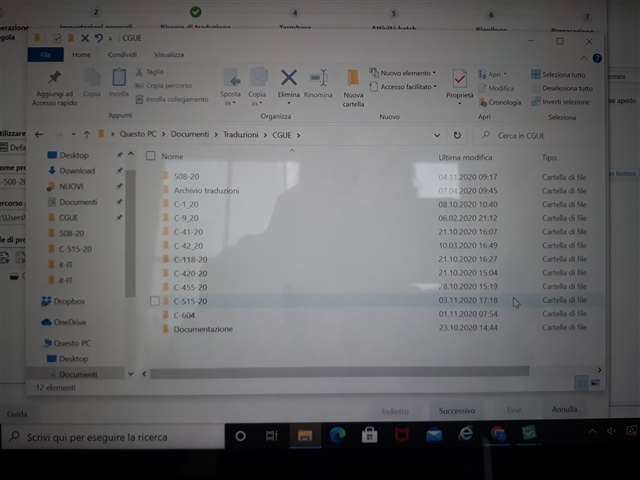
Screenshot of a Windows file explorer showing a list of subfolders within the 'CGUE' directory, including the '508-20' subfolder.

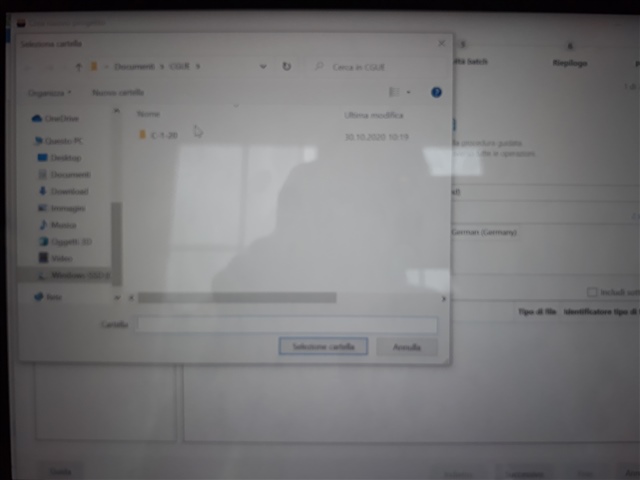
This is how it looks in Trados:

Blurred screenshot of a file selection window in Trados Studio with only the 'C-1-20' subfolder visible, other subfolders are missing.

As you can see the sub-folder 508-20, which is the one which contains the file to upload, is not there!

I find the sub-folder in another path, but I open it the file is not there.

Please help, it's urgent!

Kr

e.


Generated Image Alt-Text
[edited by: Trados AI at 11:21 PM (GMT 0) on 28 Feb 2024]
emoji
Parents Reply
  • If this is so, do the following:

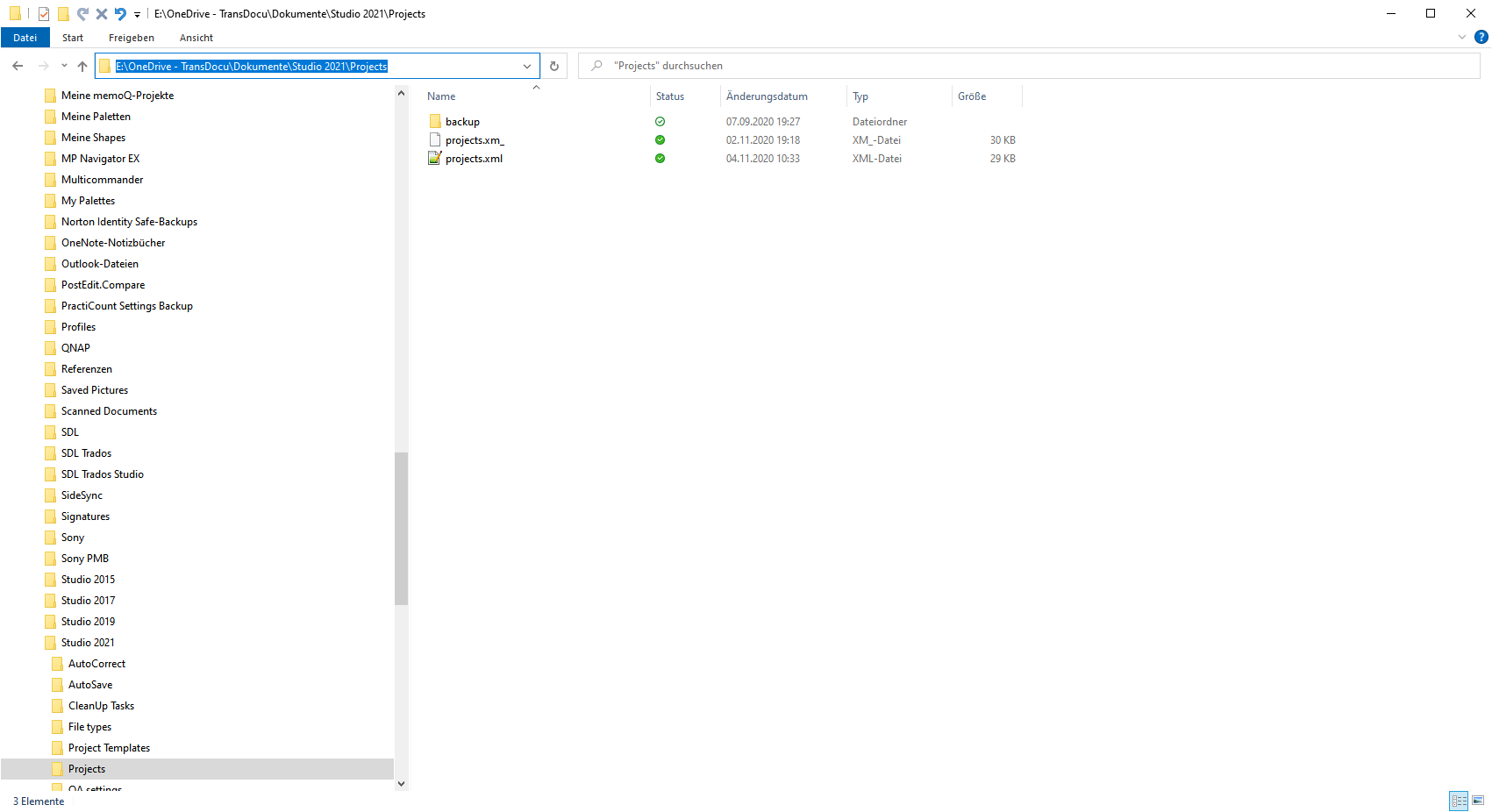
    In your first screenshot in the Explorer click the path line:

    File Explorer window showing the path line 'E:OneDrive - TransDocuDokumenteStudio 2021Projects' highlighted in blue with two XML files listed in the directory.

    It will be blue highlighted. Then press CTRL+C. This will copy the path.

    In Studio, when navigating, simply insert the path and press enter. This will bring you to where you want.

    _________________________________________________________

    When asking for help here, please be as accurate as possible. Please always remember to give the exact version of product used and all possible error messages received. The better you describe your problem, the better help you will get.

    Want to learn more about Trados Studio? Visit the Community Hub. Have a good idea to make Trados Studio better? Publish it here.

    emoji


    Generated Image Alt-Text
    [edited by: Trados AI at 11:22 PM (GMT 0) on 28 Feb 2024]
Children
No Data