
 Translate



I had to reinstall my SDL Trados Studio 2021. Before doing that, I saved my profile with a purpose to use it after the new installation.
Now, when I set my saved profile, all files open with empty source. Some of them open without any meassage. Some emit the below shown message.
I can revert my profile to the Default settings. This makes the files open normally. But it removes all my shortcuts and settings.
Is there any chance to combine normal opening of my files and normal exporting of my profile settings?
*I found another thread suggesting to reset window layout. Nothing changed after I did it.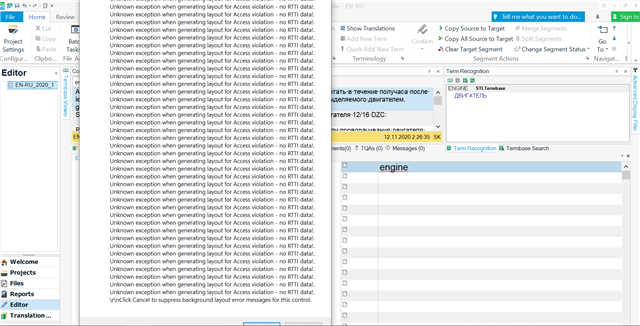
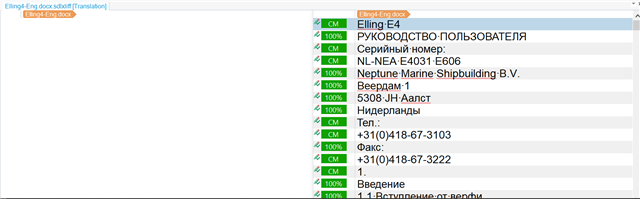
The above screenshots show two files in one project. For the second file I pressed Cancel as was suggested at the end of the meassage. In the first file, I didn't.
Generated Image Alt-Text
[edited by: Trados AI at 11:31 PM (GMT 0) on 28 Feb 2024]

