
 Translate



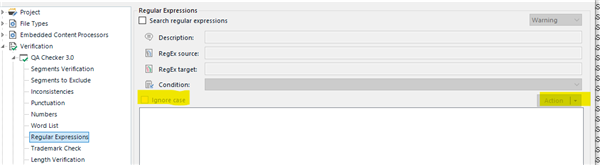
The "Ignore case" and "Action" buttons are hidden in Trados Studio 2021 SR1 for me and I cannot resize it properly. Anybody else experiencing this issue?
I'm using SDL Trados Studio 2021 SR1 - 16.1.2.4090.
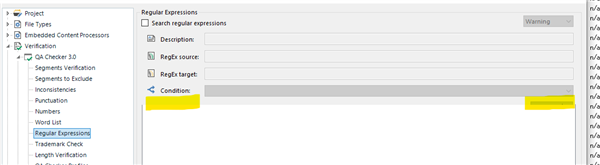
Here is what it should look like (screenshot from Trados Studio 2017):
Generated Image Alt-Text
[edited by: Trados AI at 12:12 AM (GMT 0) on 29 Feb 2024]



