Problems adding files

When I try to add files to my project, it says that the file I want to add is already there.
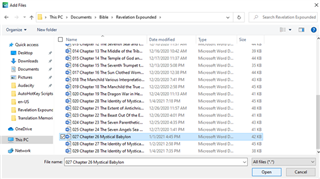
File explorer window showing a list of files with '027 Chapter 26 Mystical Babylon' selected.

However, as you can see from the pictures, when I click open, it says that the file is already there.
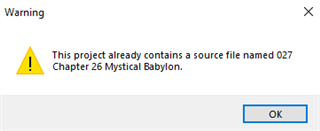
Warning message in Trados Studio stating 'This project already contains a source file named 027 Chapter 26 Mystical Babylon.'

For the life of me I cannot find it.

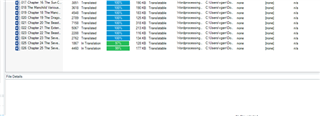
Trados Studio project files window not displaying the file '027 Chapter 26 Mystical Babylon' in the list.


Generated Image Alt-Text
[edited by: Trados AI at 12:29 AM (GMT 0) on 29 Feb 2024]

emoji
Parents Reply Children
No Data