Translate



Dear Sirs,
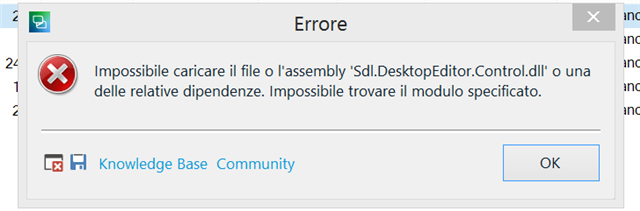
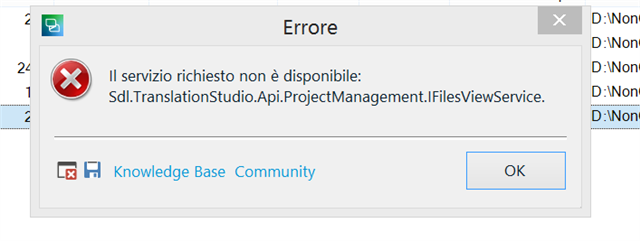
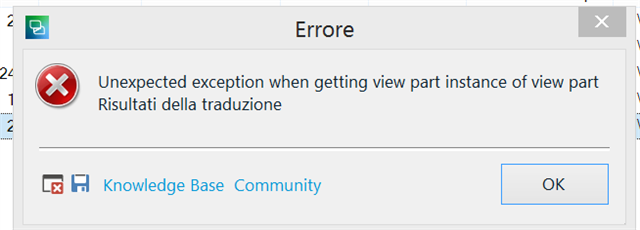
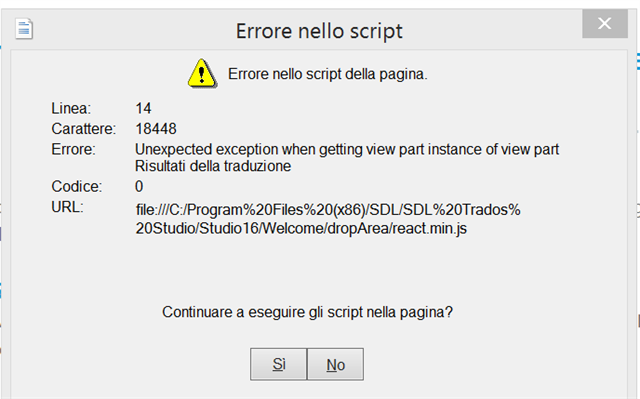
I upgraded from SDL Trados Studio 2017 to SDL Trados Studio 2021. The installation was ok, but I can't use the new programme. Every time I try to open or create a project, I receive three different errors (here below) that might be strictly connected to one another. I've already disinstalled and reinstalled it several times. I've also tried to repair it through the installation programme. I have checked the viewing features and followed any kind of tips written in the SDL community fora related to the errors I have come across. I'd be very grateful for any kind of help you might provide. I tried to reset it as described here: https://gateway.rws.com/csm?id=kb_article_view&sysparm_article=KB0039395
Thank you so much in advance!
Generated Image Alt-Text
[edited by: Trados AI at 12:37 AM (GMT 0) on 29 Feb 2024]