Translate



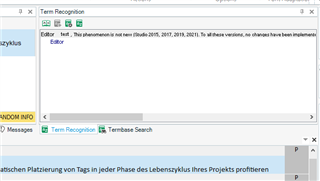
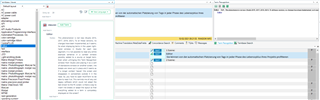
This phenomenon is not new (Studio 2015, 2017, 2019, 2021). To all these versions, no changes have been implemented, as it seems. So when displaying terms in the upper right-hand window in Studio for each new segment, it is not possible to read any entire example sentence in a context window possibly added to a source or target term. Even when unhinging this Term Recognition window from Studio and placing it as a sort of standalone window on another screen, line breaks are never put in place and it seems as if a longer context "leaves" the screen and disappears in somewhere outside it in the haze. So, you have to open MultiTerm to be able to read it all. This reminds me of very old legacy software which could not adapt the text shown to the PC screen. Is there a way to insert line breaks or adapt the layout so that everything added to a term is completely displayed on the screen?

RWS Community