Translate



Dears,
i hope that you could help me regarding the below issue:
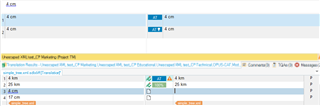
i have an issue about auto propagate numbers in the TM even when the segments contain different text from each other , as example:
1- first i have unchecked the below options to prevent auto propagation process
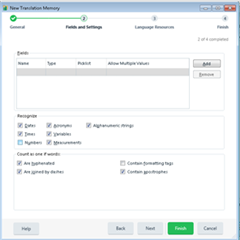
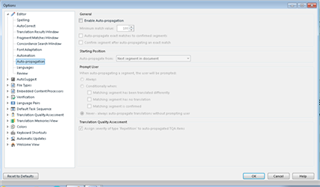
2- then i have confirmed segment number 2 as below:
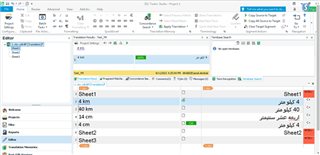
3- then when i stand on the segment number 5 which is 4 cm the TM display the other segment which contains different content but only with the same number " 4 Km" with 100% match:
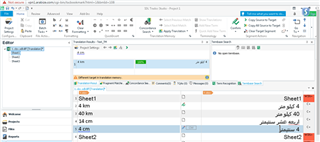
which is not right , because it should be displayed on the tm as fuzzy match not 100%.
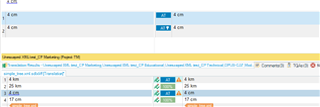
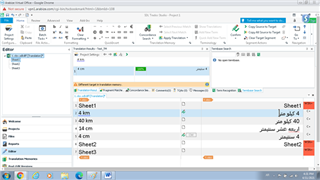
4- and again when i confirm the other segment which is "4 cm" and return back to segment number 2 , the tm display 4 cm as 100% match ,as below :
5- Even when I activate propagate option again the same issue happened ,would you please let me know the settings which i should activate to make the TM work correctly?
thanks,
Generated Image Alt-Text
[edited by: Trados AI at 2:06 AM (GMT 0) on 29 Feb 2024]