Translate



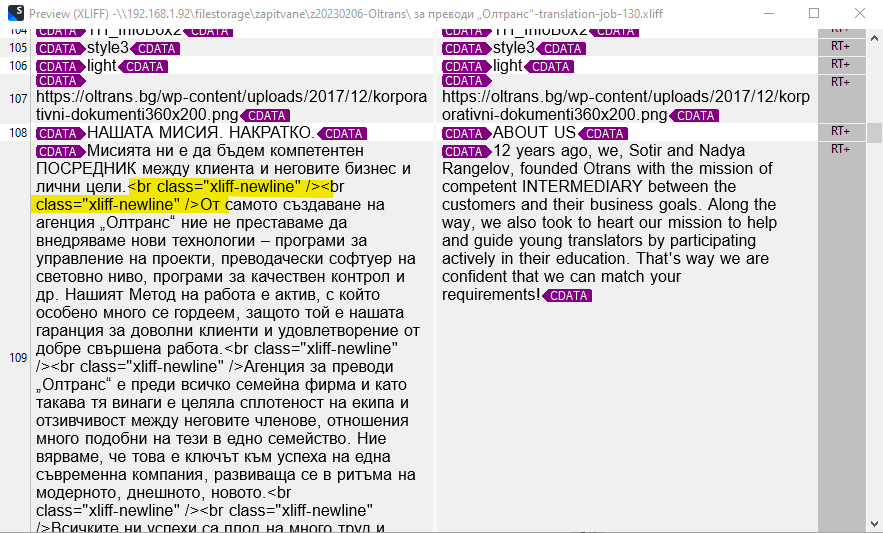
I have a custom filter for WPML xliff files. In that filter I translate only the //target elements. Now the client updated the page and sent me again the xliff. Now in Trados I see as source the already translated text. Is there any way to show there the text from //source and to put into the target column the text from //target element?
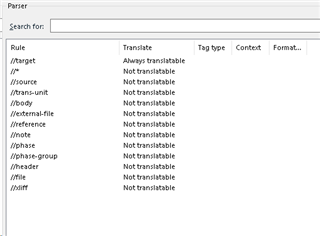
Here are the current settings:
Generated Image Alt-Text
[edited by: Trados AI at 9:57 AM (GMT 0) on 29 Feb 2024]