
 Translate



Dear Paul,
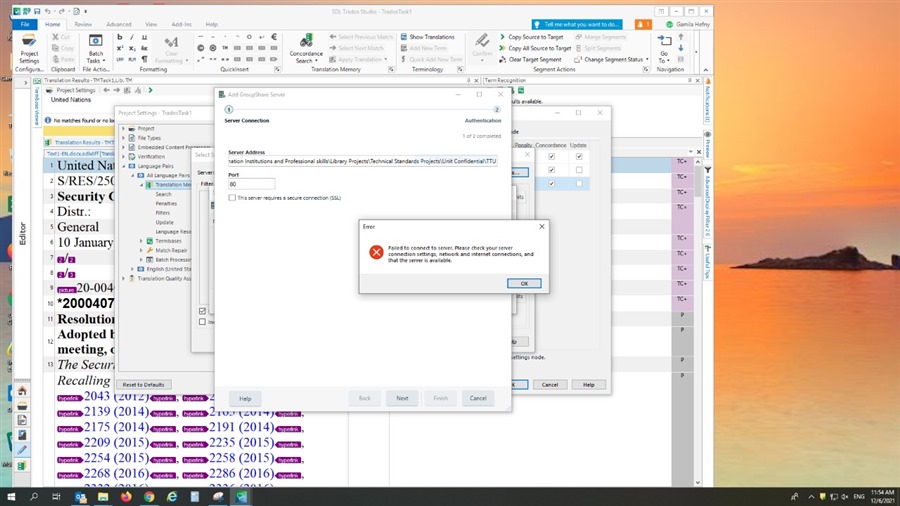
We bought a professional network-based edition for our organization. we bought one license for three users. we tried to make a cloud project, we choose the shared folder of the department as a place for our cloud projects, but the below message appeared. we need an answer for the following: Does this license allow us to create 3 separate accounts on the Trados server or on any other server (each with different username and password) ) to store our cloud translation projects? if yes, could you please walk us step by step to make the accounts , so we can make a successful cloud project?. if the access is guaranteed by default (because we bought this product) could you please tell us what are the network requirements or the configurations for the server needed?
Apologies for the many questions.
Generated Image Alt-Text
[edited by: Trados AI at 5:05 AM (GMT 0) on 29 Feb 2024]





