Translate



I am setting up json file in Trados Studio 2022. I want the \n to display as a placeholder tag ,
example lines:
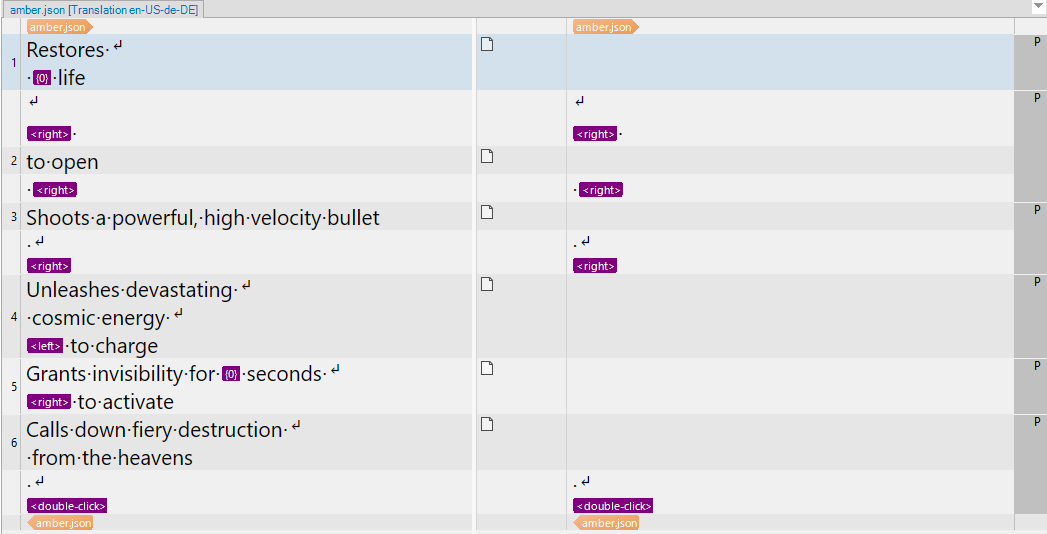
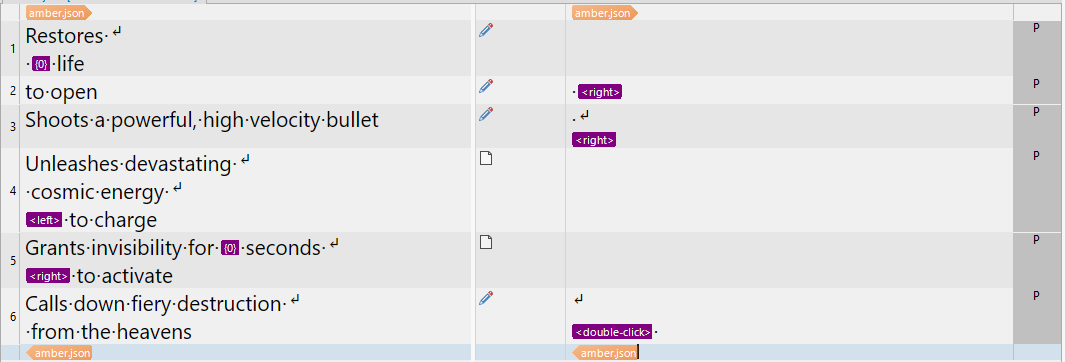
"RestoresLife": "Restores \n {0} life",
"RightClickToOpen": "\n<right> to open <right>",
"SniperRifle": "Shoots a powerful, high velocity bullet \n<right>",
In the Embedded content process, I clicked Plain texts, added \\n as a rule and clicked Advance, selected Include

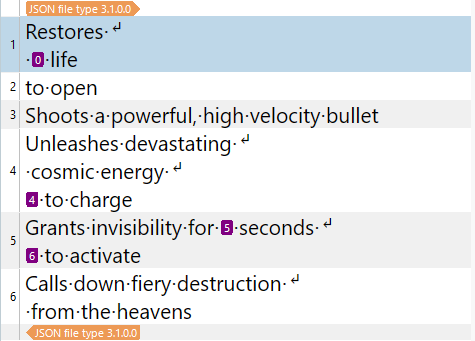
But setting up as above is not working, \n disappeared and segment the line when preview the Json file.

Do you know how to set up to make it display as a tag ?
Generated Image Alt-Text
[edited by: RWS Community AI at 10:53 AM (GMT 0) on 28 Mar 2025]