
 Translate



Hi! Since we have to migrate xml1 file type settings to xml 2 settings in order to being able to use those settings in Studio 2024, I noticed problems in editing, respective saving the edited parser rules.
- Trados Studio 2024 SP2
- File type migrated from xml 1
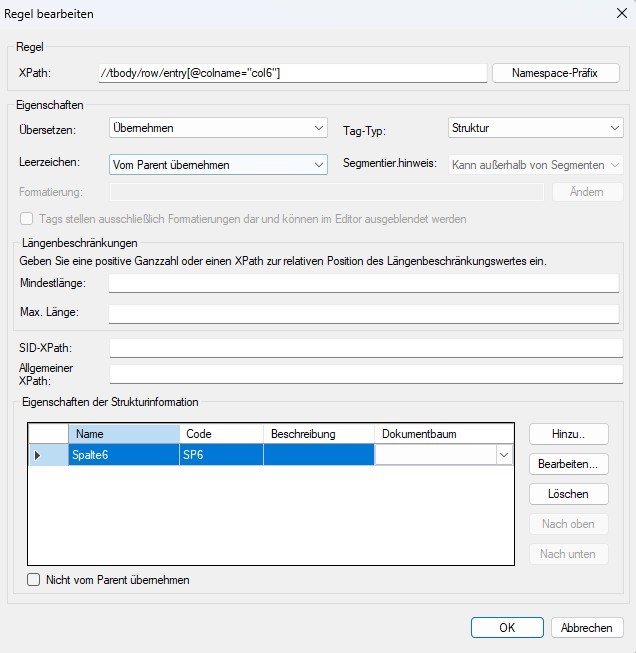
1) I can see the structure information on this parser. Ok.
2) When editing the structure information, I can see, that there is a formatting applied.
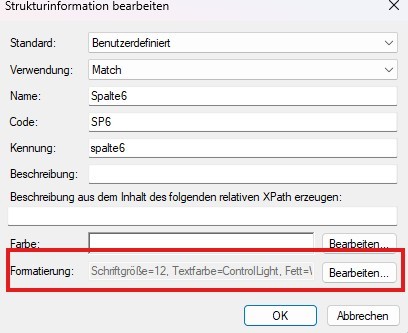
3) When editing the formatting, I can't see the above formatting information anymore.

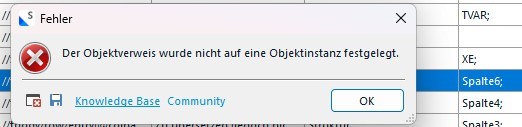
4) When making changes, at the end of cklicking thourg all OK buttons, I receive an error BUT the changes are applied.
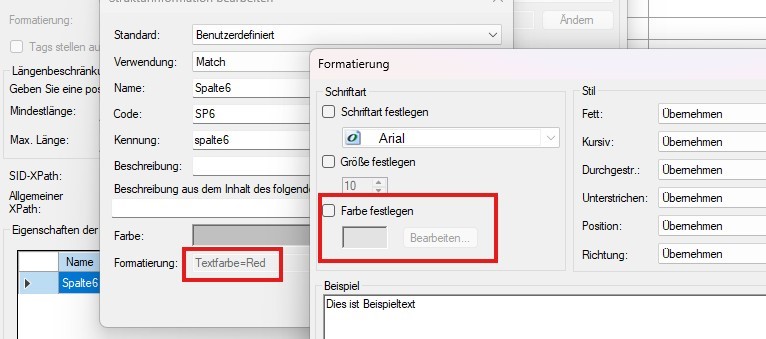
5) If you enter again the parser editing, you can see the changes made like in point 2) in the structure information, but you can't see them in the format editing same as in point 3).
You can see that the text color is red, but when you enter formatting, it looks as if there was no formatting applied.
Am I the only one having this problem?
Best regars Burim
xml > xml 2
[edited by: Burim Bektesi at 2:49 PM (GMT 1) on 8 Apr 2025]




