
 Translate



Hello team,
I've recently upgraded my Trados Studio 2024 to version 18.1.3.6657. When working for the first time on a project (Groupshare) with this version, the following message appears when clicking on a segment.
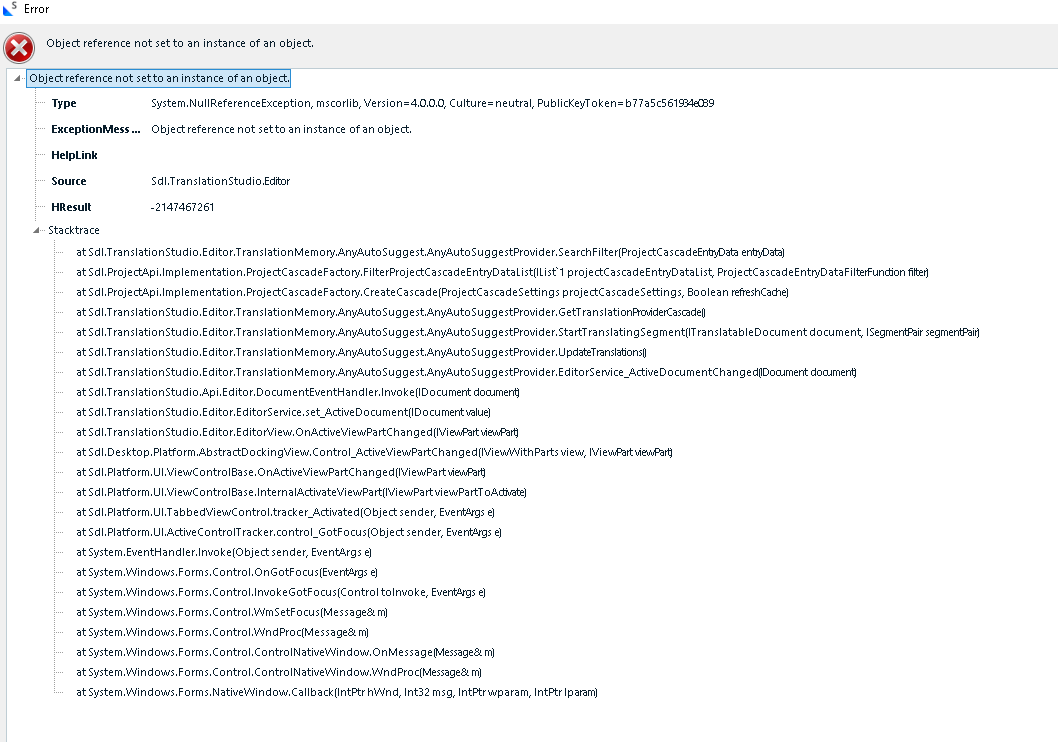
After closing the error message and clicking on another segment, the same message reappears, which makes it impossible to work on the project.
I tried opening the project first with Trados Studio 2022 SR2 (version 17.2.11.19134) and then with Trados Studio 2024 (version 18.1.3.6657), after which the message disappeared. However, after a few seconds inside the project, Trados crashes.
I've tried reinstalling the program, but the problem persists.
This doesn't always happen, as there are times when I can open a project without the message appearing.
Is there a solution?
Thank you.
Removed AI Suggestion
[edited by: Eva Vernet Leyenda at 7:52 AM (GMT 0) on 7 Dec 2025]




